


Note: Plan names have changed since this post was published. See our current pricing page for up-to-date plan details.
This month’s updates focus on reducing the small but repetitive tasks that slow roofing teams down, like building catalogs from scratch, scrolling through automation lists, managing subcontractor details outside the job, or waiting until you’re back at your laptop to take action.
Here’s what we focused on:
- working directly from your phone,
- building your catalog faster,
- finding the right automation instantly,
- and keeping subcontractor details tied to the job.
And as always, we’ve included a look at what’s coming next.
Let’s dive in. 👇
Use Roofr on the go with an updated mobile experience
Roofing work doesn’t happen at a desk. The updated Roofr mobile experience makes it easier to take action in the moment - whether you’re in a driveway, on a ladder, or between appointments.
- Manage jobs from your phone. Update job details and confirm next steps while you’re still on site.
- Send proposals in real time. Follow up immediately instead of waiting until you’re back at a laptop.
- One-tap access. Add Roofr to your home screen for faster access, with automatic updates and nothing to install.
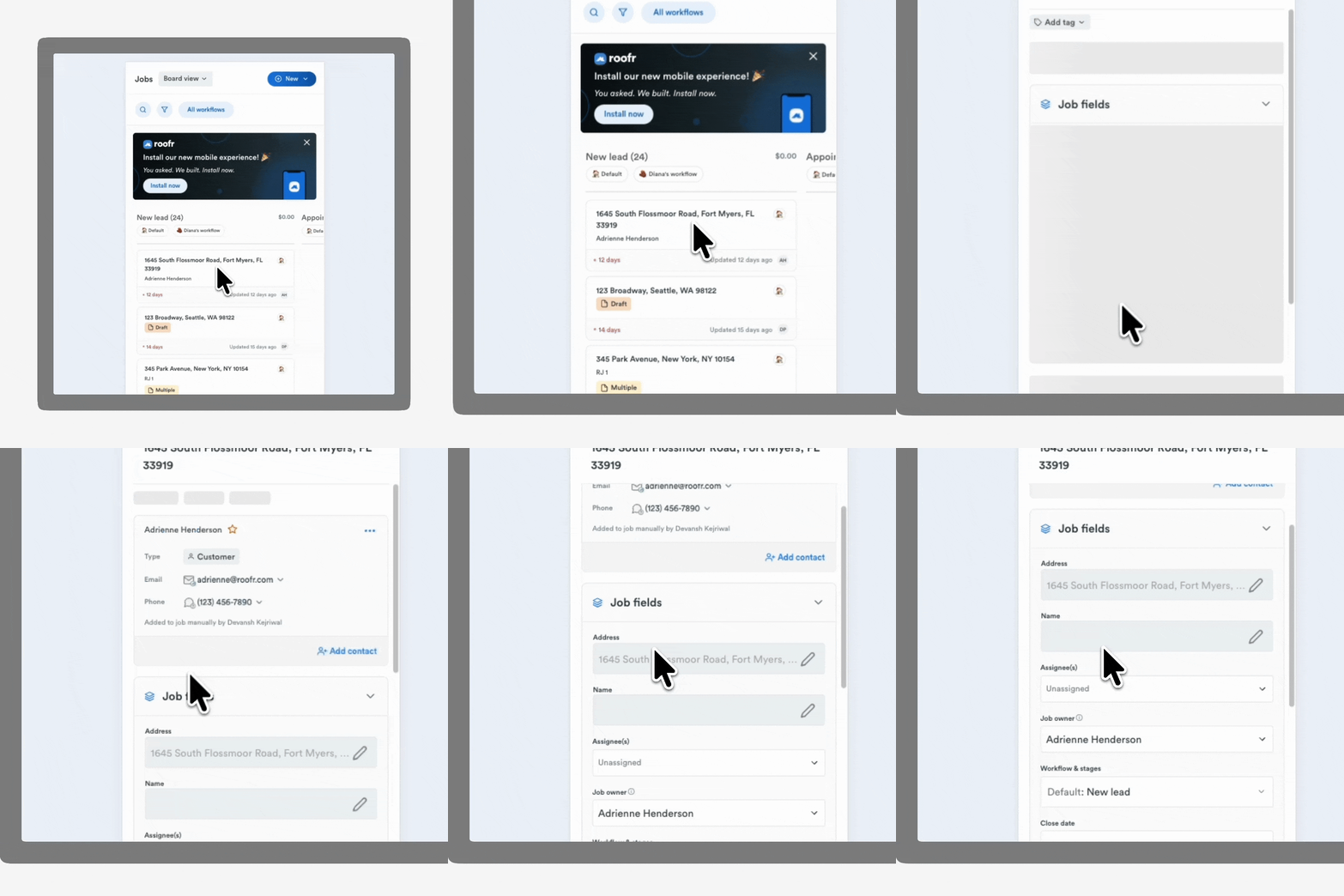
Available for: All users
👉 Add Roofr to your home screen
Populate your catalog instantly with Roofr Jumpstart
Building your catalog from scratch takes time. Roofr Jumpstart automatically fills your catalog with a curated list of commonly used materials using your connected supplier’s pricing.
- Pre-loaded standard items. Instantly add a curated set of common roofing materials.
- Supplier pricing included. Start building proposals immediately with pricing already populated.
- No manual setup. Skip the line-by-line catalog build.
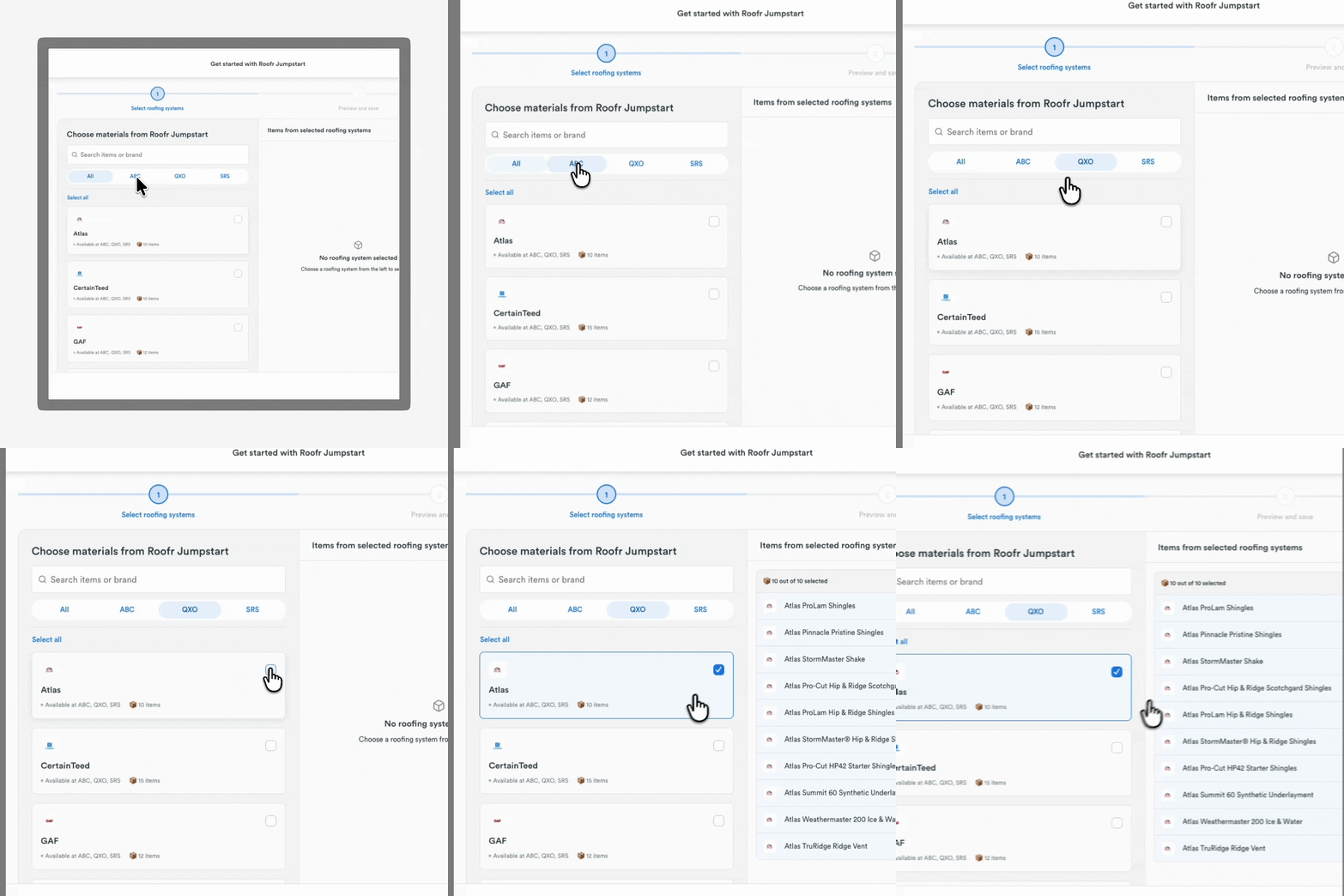
Available for: All users
👉 Learn more about Roofr Jumpstart
Organize and filter your automations
As your automation list grows, managing it should stay simple. You can now search, sort, and filter your automations to quickly find the rule you need.
- Search and filter faster. Locate automations by trigger or action.
- Filter by status. See which automations are active and which are turned off.
- Group by feature. View all automations tied to the same product in one place.
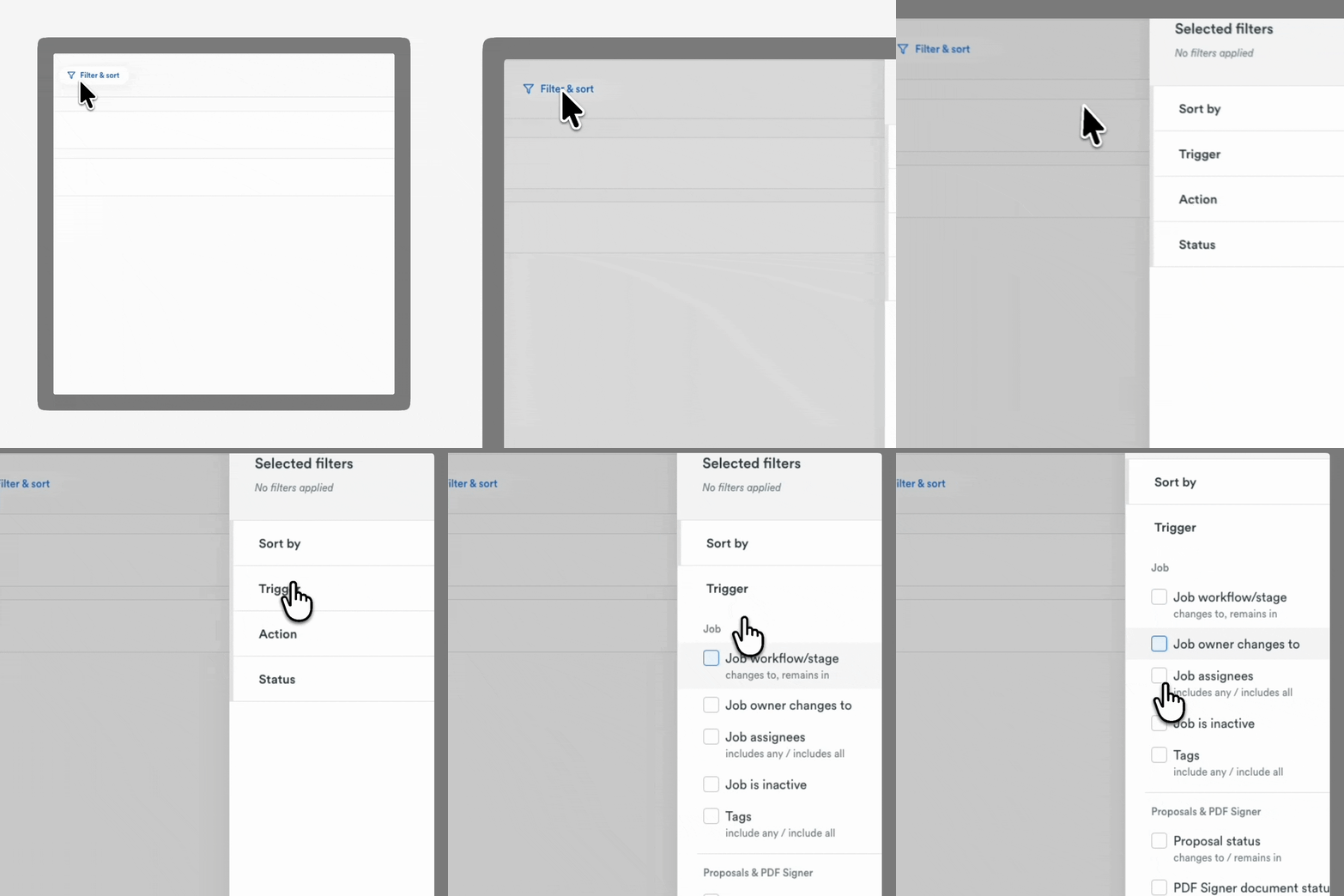
Available for: All users
👉 Learn more about automations
Manage subcontractors with Crews
Crews gives you a centralized way to manage subcontractor details and connect them directly to your jobs and work orders.
- Store crew information in one place. Keep subcontractor details inside Roofr instead of separate spreadsheets or chat threads.
- Assign and send with fewer steps. Attach crews to jobs and send work orders by email or SMS directly from the job card.
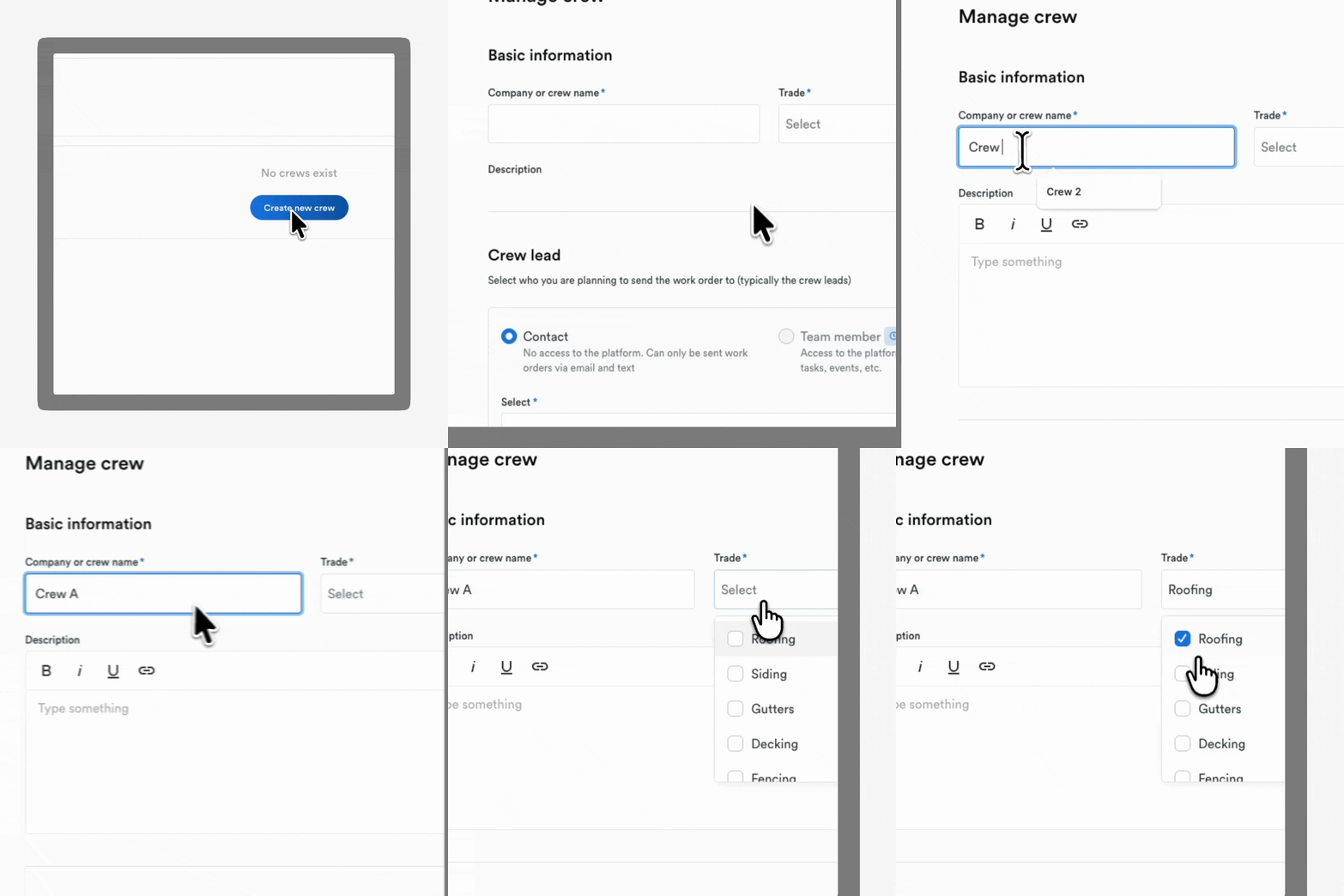
Available for: Elite
👀 Coming Soon
A clearer Performance Dashboard
We’re introducing a revamped reporting experience designed to give owners and managers clearer visibility into job performance and pipeline activity.
- Stronger reporting views. See job insights and trends in a more structured dashboard.
Available for: Premium and Elite
Preview and test your Instant Estimator
We’re making it easier to update your Instant Estimator without creating clutter in your pipeline.
- Preview before publishing. Test your pricing and flow without generating fake leads.
- Access marketing resources. Use new ready-to-go assets to promote your Instant Estimator.
Available for: Elite
Recurring events in Calendar
Keep repeat events on track without re-entering them.
- Set once, repeat automatically. Create recurring events that stay on your calendar.
Available for: Elite
Add a job name to your job card
Get more context at a glance when reviewing your pipeline.
- Customize job names. Add a custom label to job cards beyond the default address format.
Available for: All users
👉 Want a walkthrough? Talk to your Account Manager