Always improving

Release Notes

Whether it’s product updates or bug fixes, brand new features or quality-of-life changes, we never stop working to make Roofr better for you.

Showing 10 results

March 17, 2026

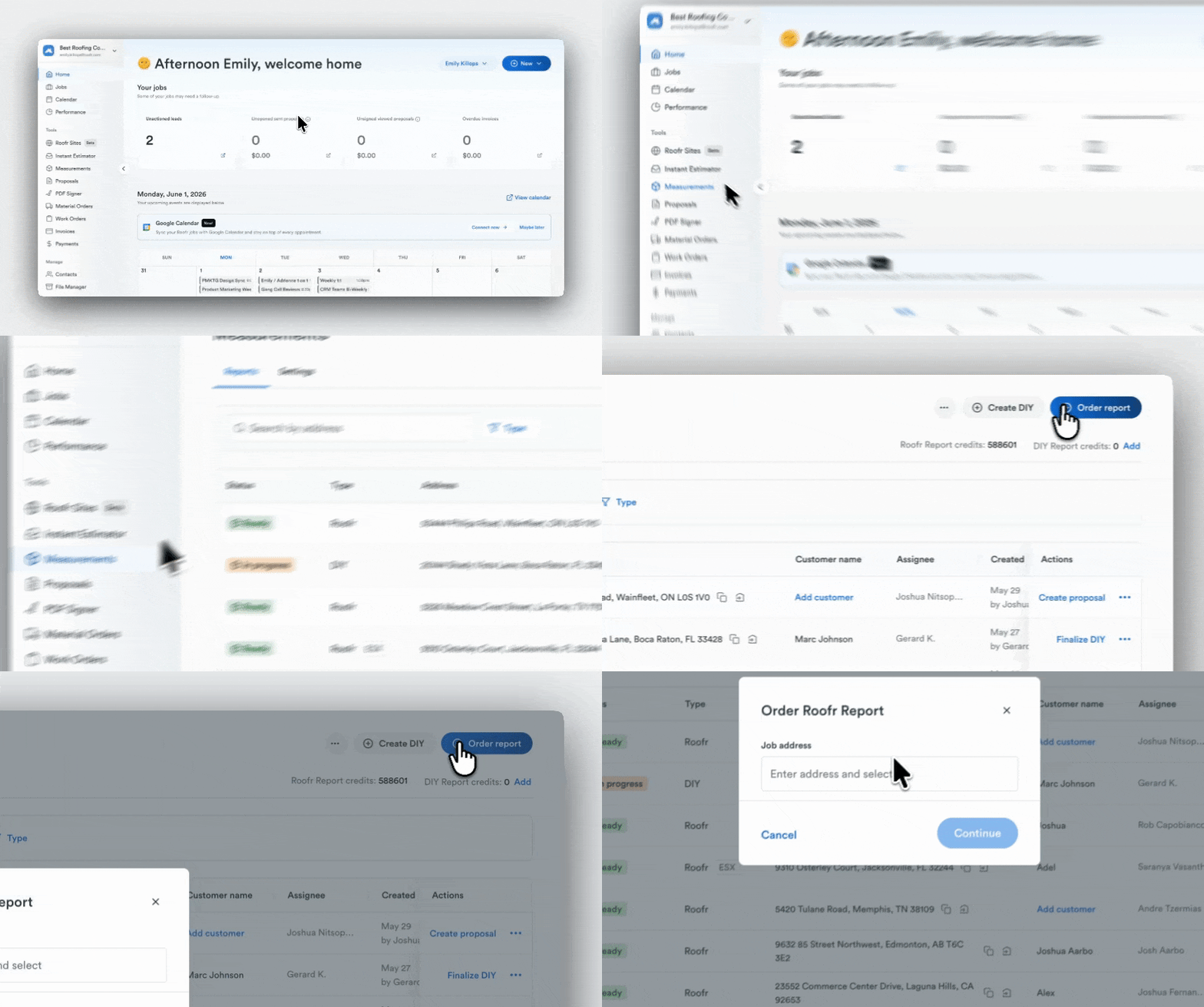
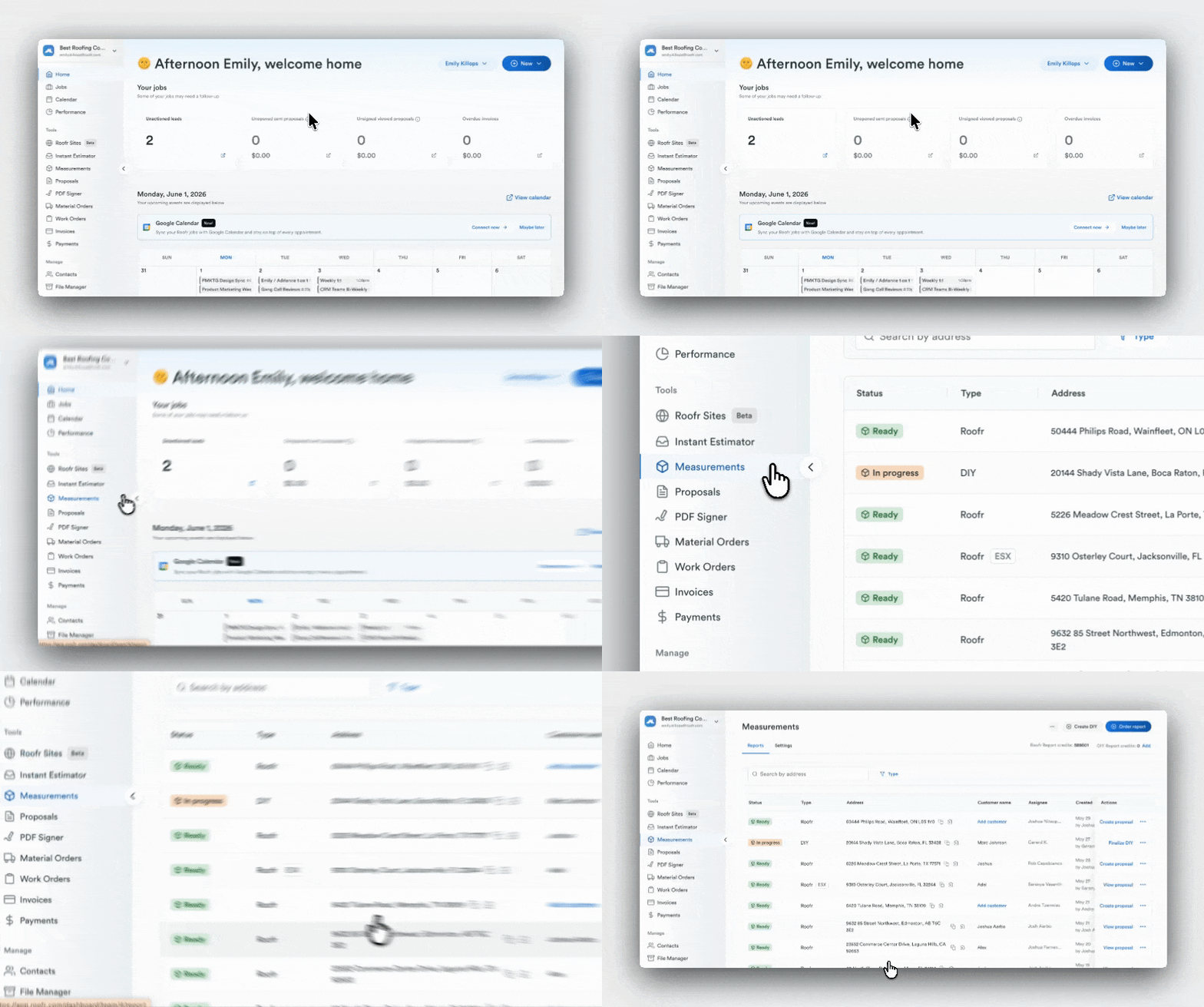
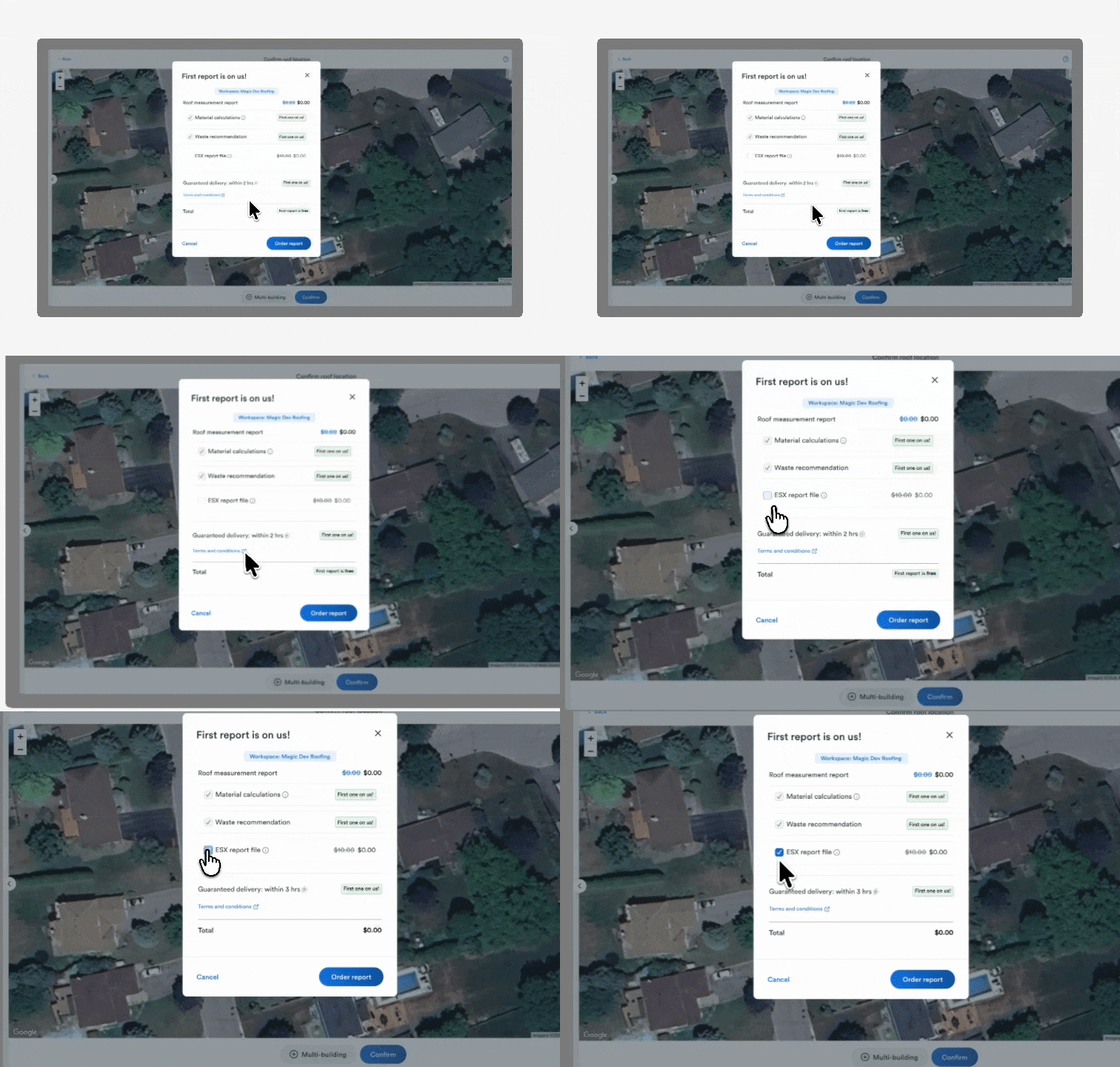
3.9 GTAT now available for Roofr Reports + ESX

Measurements
New Feature

Roofr Reports + ESX are now eligible for Guaranteed Turnaround Time (GTAT). Users can select 12, 6, or 3-hour GTAT options, depending on plan. Roofr Reports and ESX file are delivered together, and GTAT applies to both files. Available for eligible plans.

March 17, 2026

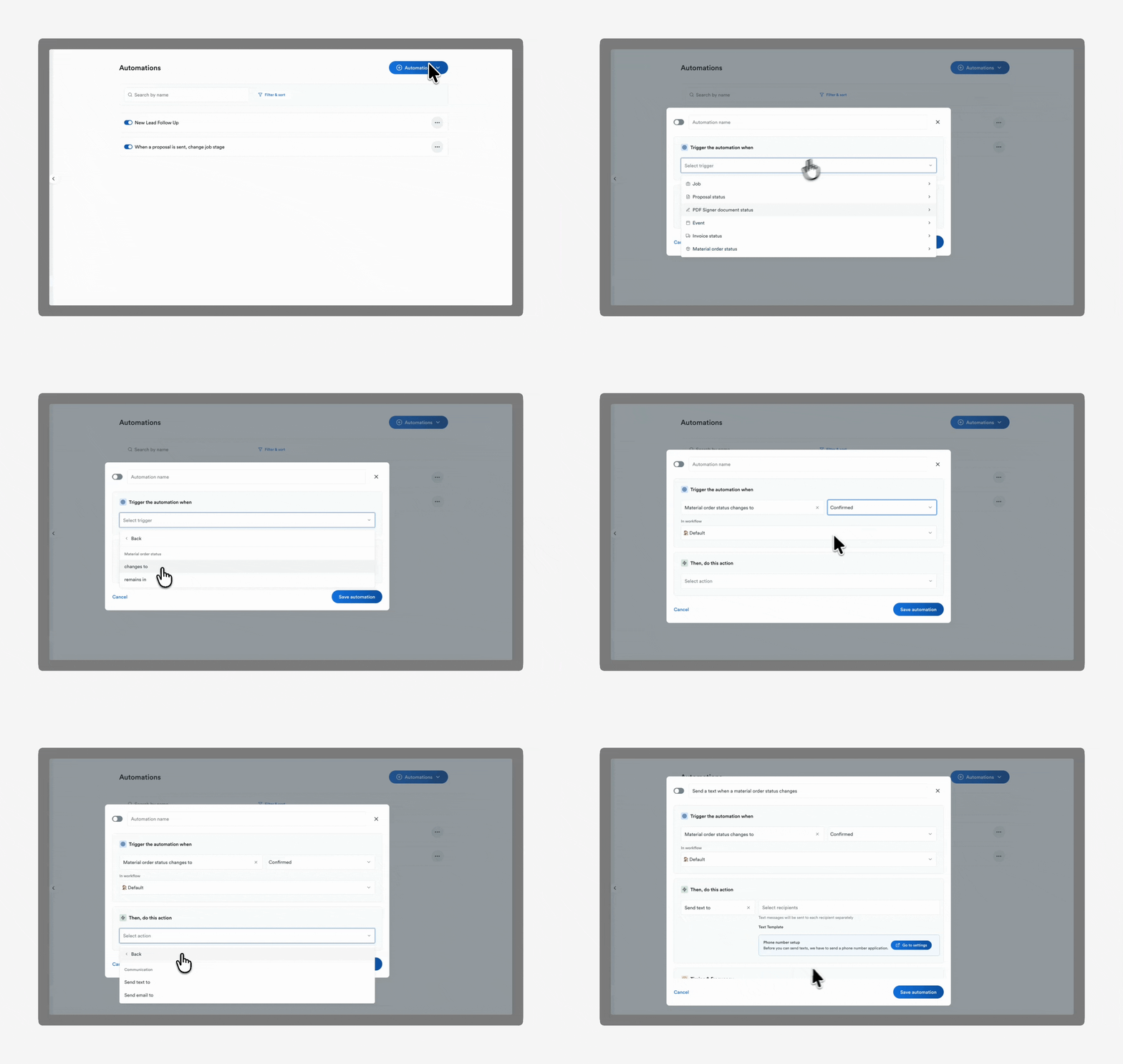
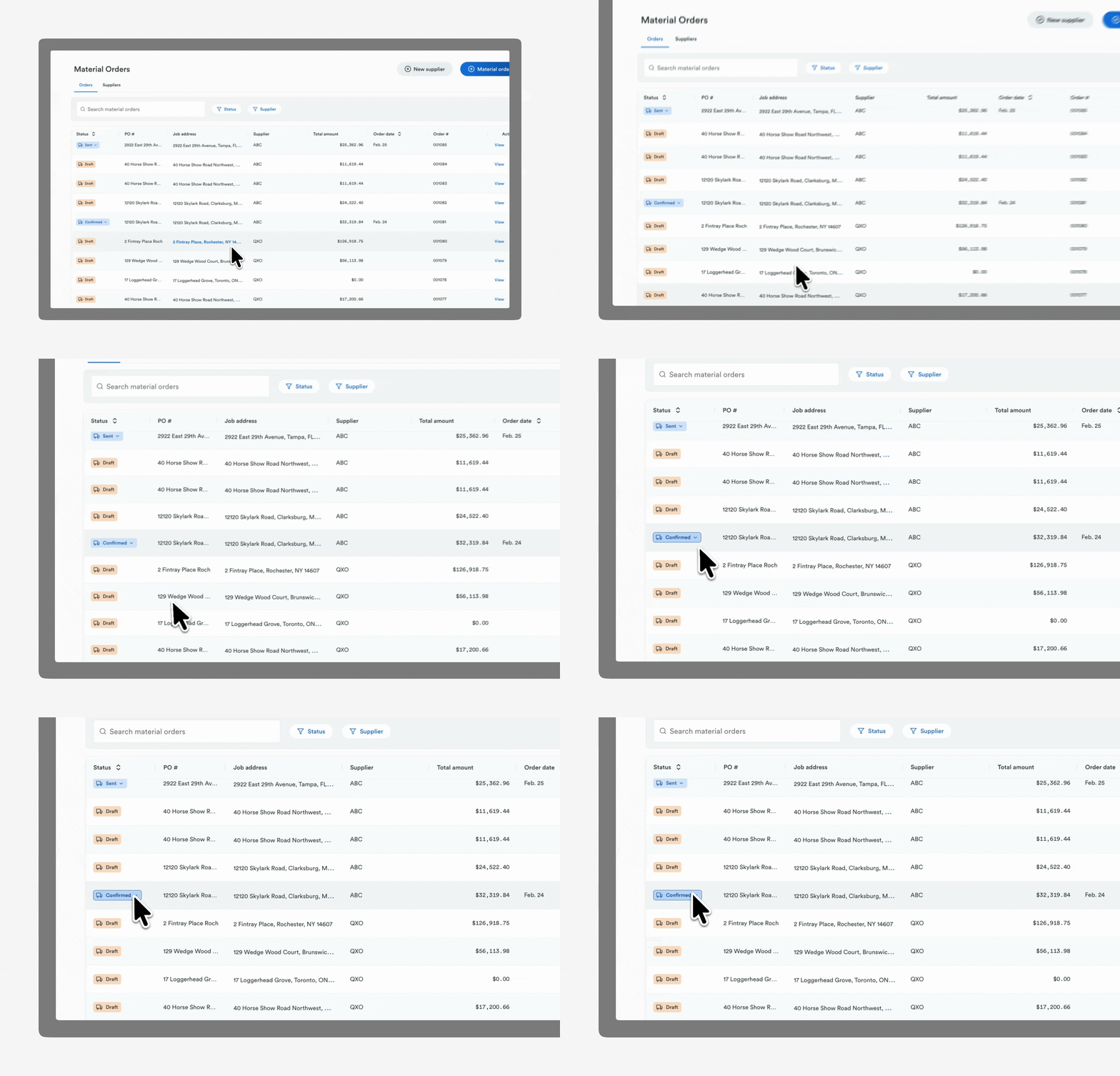
3.8 Material order status automations

Automations
Suppliers
New Feature

Create automations triggered by material order status updates. Set up automations to automatically send emails or SMS messages when the material order status changes. Available for all users.

March 17, 2026

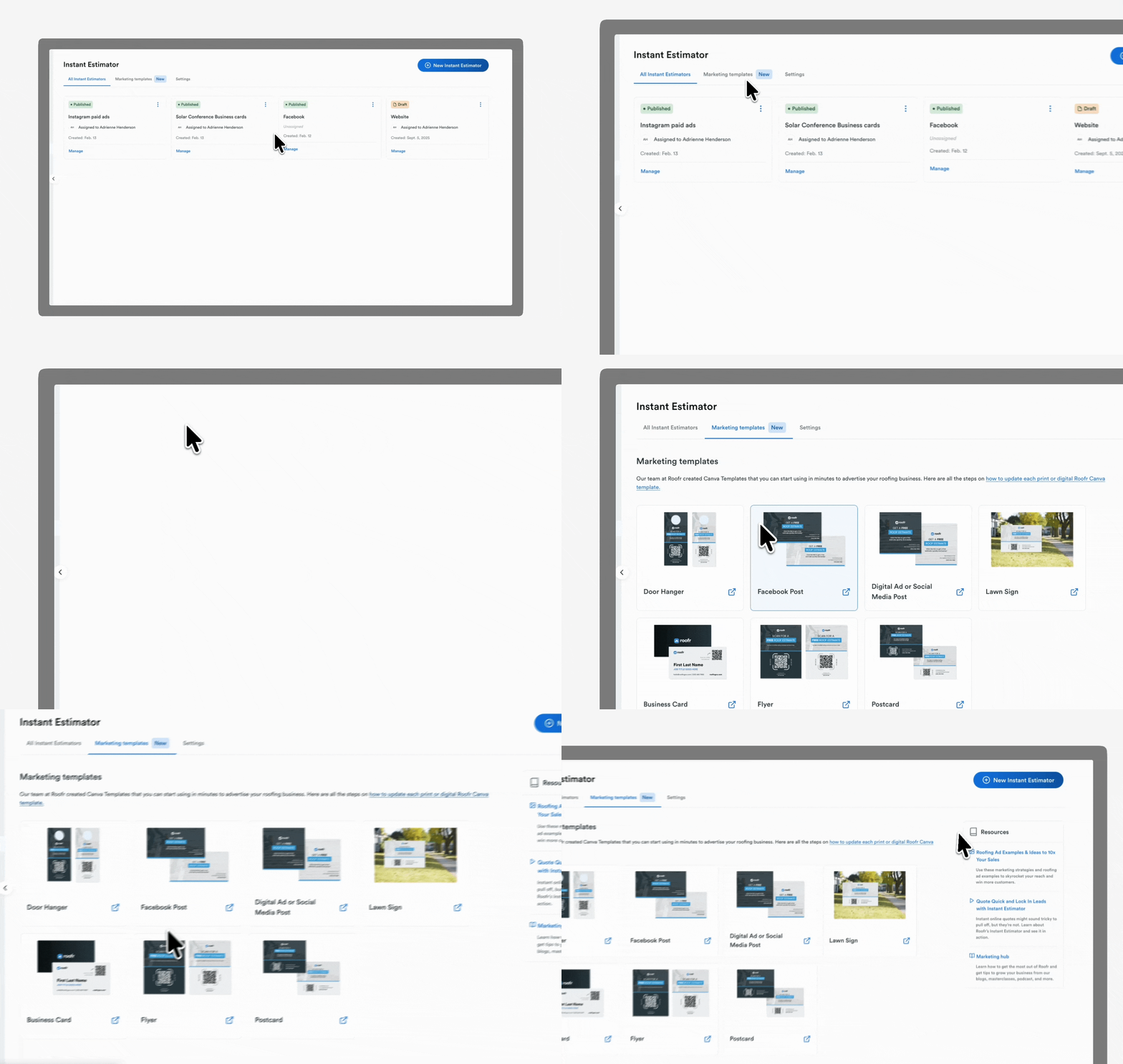
3.7 Marketing templates for Instant Estimator promotion

Instant Estimator

Users can access a new Marketing Templates page within Instant Estimator that includes Canva templates for flyers, door hangers, business cards, and posters, along with links to marketing masterclasses, articles, and webinars to help promote their estimator.

March 17, 2026

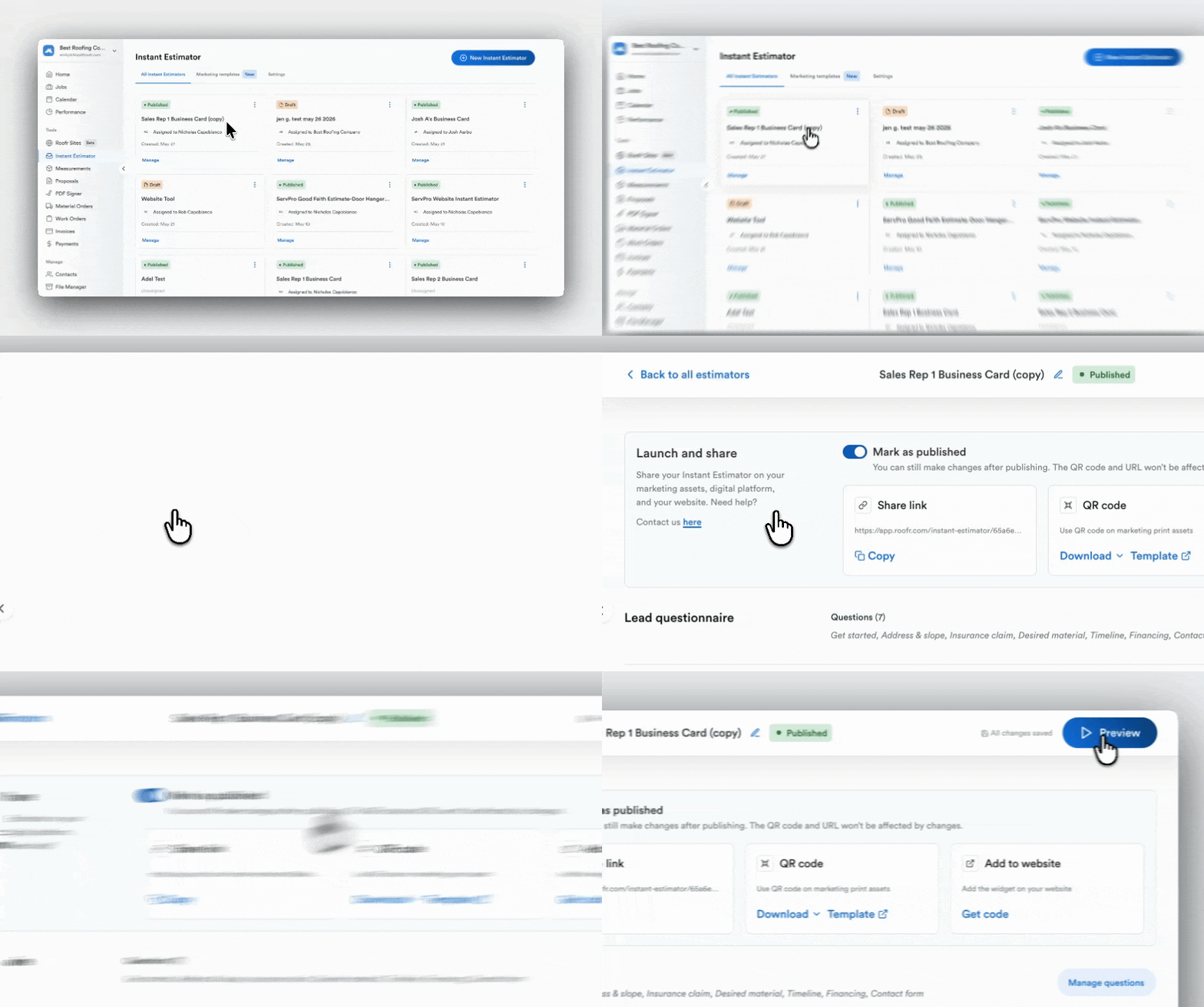
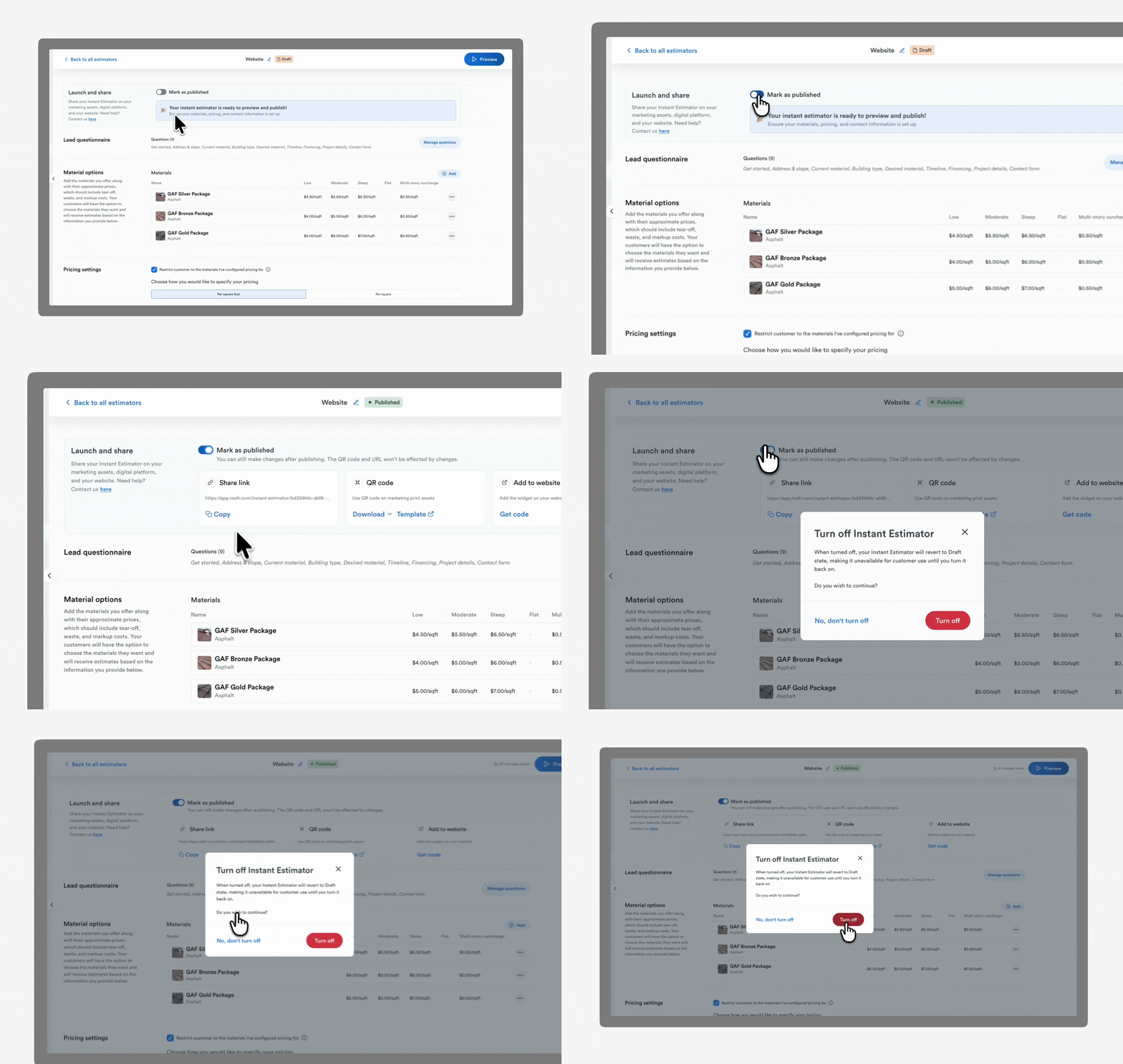
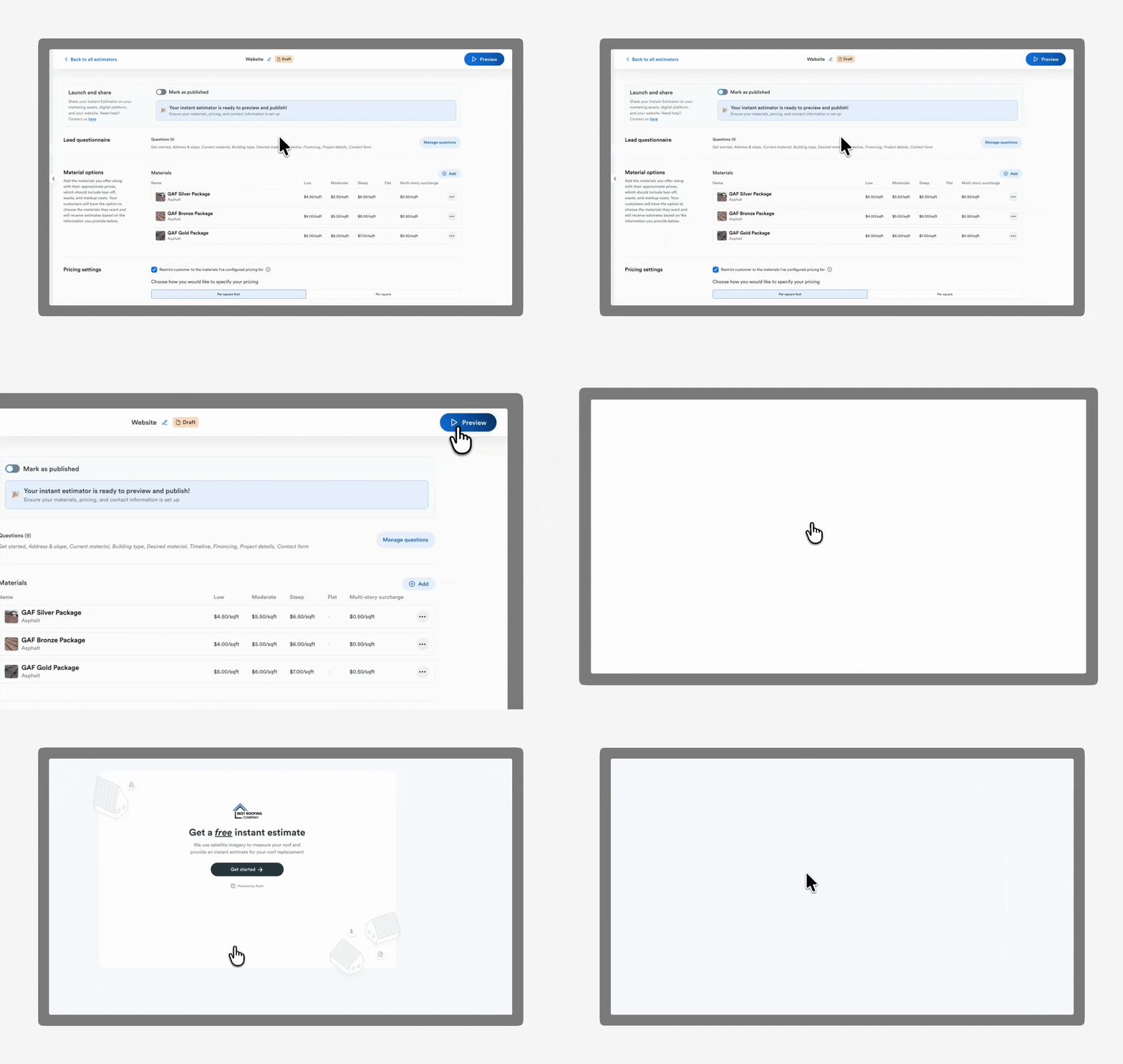
3.6 Draft and publish controls for Instant Estimators

Instant Estimator
New Feature

Users can save Instant Estimators as drafts and publish them when ready. Estimators can also be unpublished without deleting them, allowing users to make updates while controlling when the estimator link is accessible to customers.

March 17, 2026

3.5 Preview Instant Estimators

Instant Estimator
New Feature

Users can preview their Instant Estimator from a homeowner’s perspective before publishing. Any test leads generated during preview will not be added to the job board, allowing users to test their estimator without creating fake CRM data.

March 17, 2026

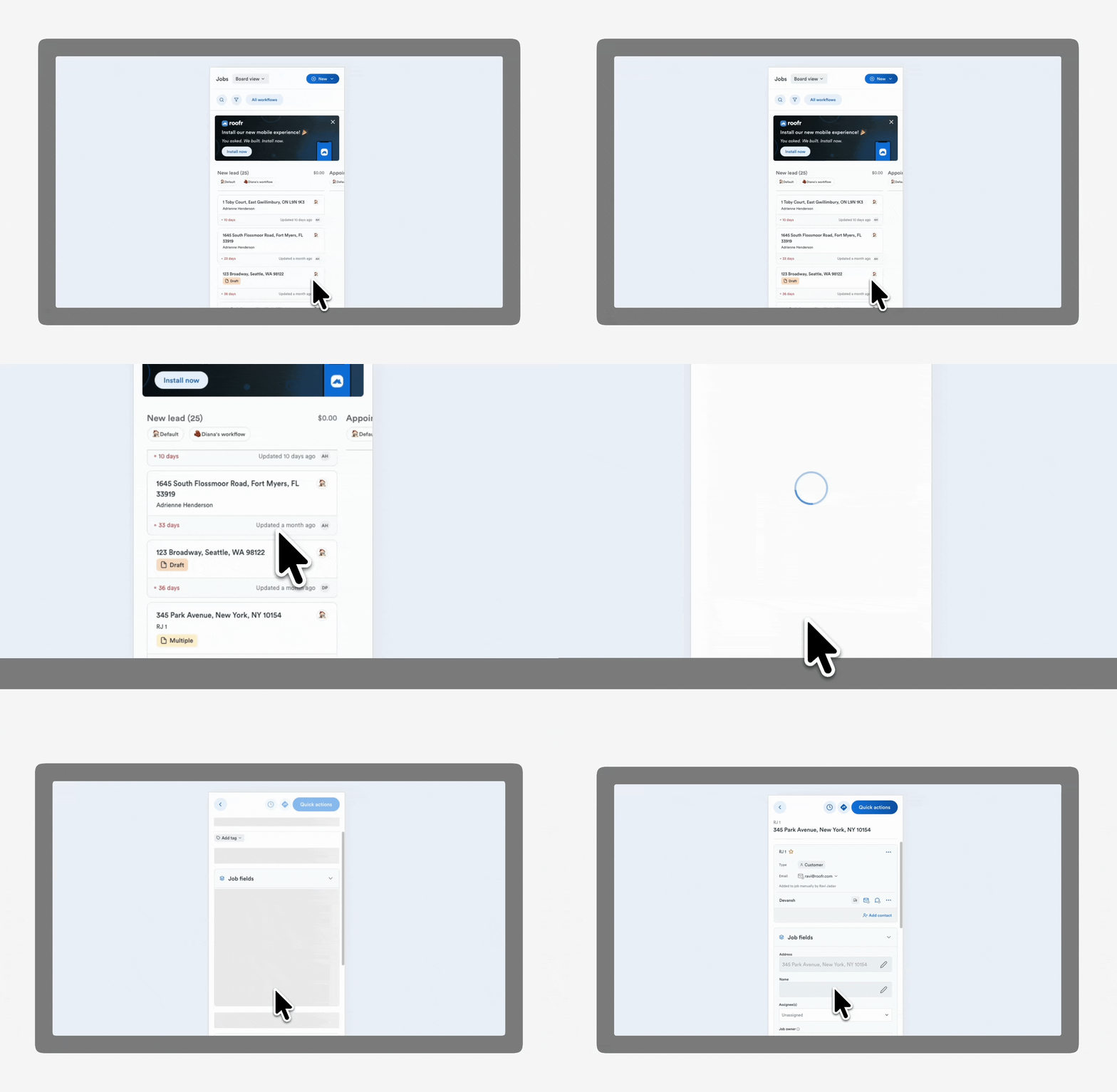
3.4 Faster switching between Job Board and List view

Improvement
Job Board

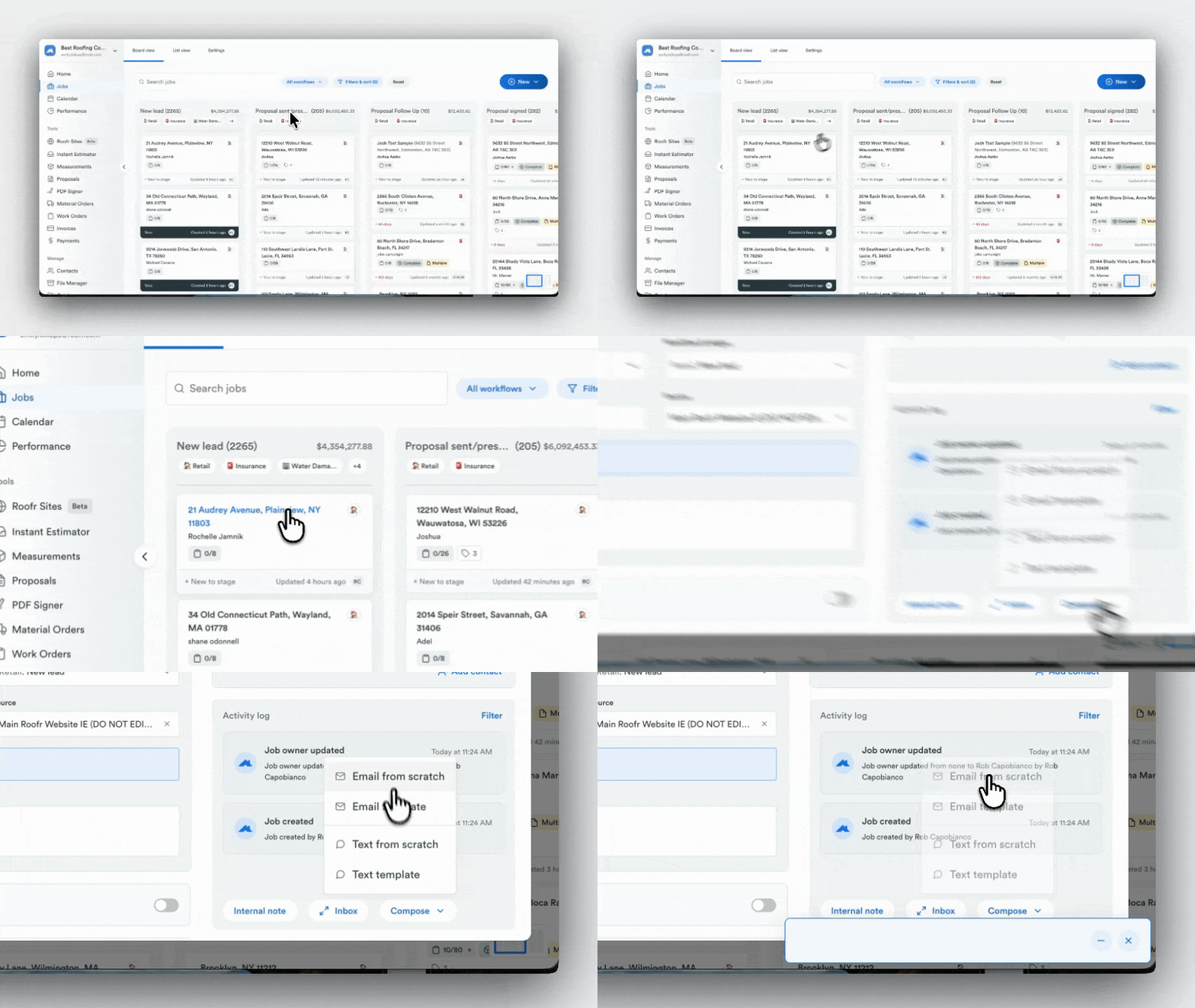
Performance improvements allow users to switch between the Job Board and List view instantly without waiting for the Job Board to reload. This makes navigating between job views faster when managing multiple jobs. Available for all users.

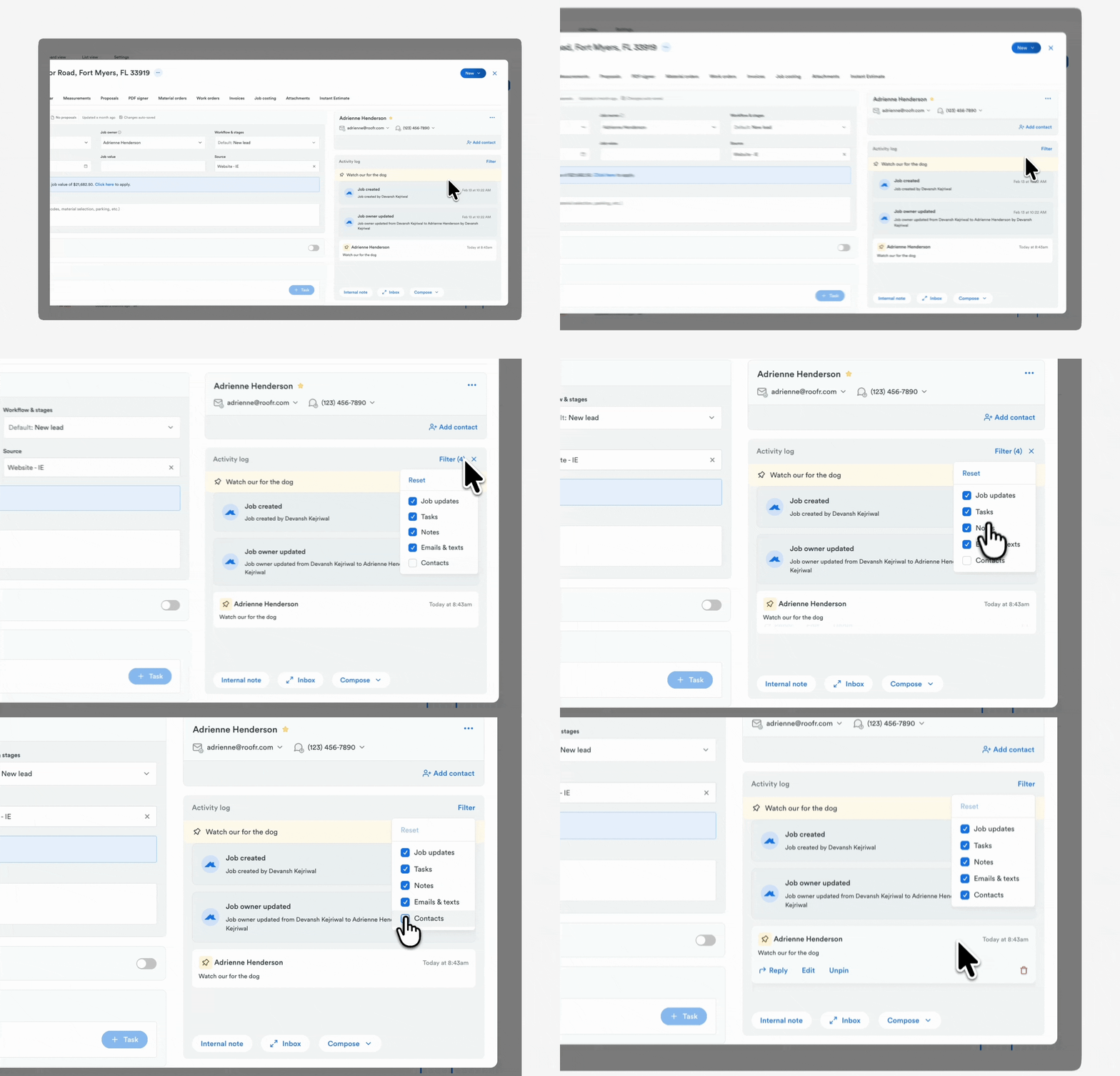
3.3 Contact updates visible in the Activity Log

Job Board
Improvement

Users can now view contact-related updates directly in the Activity Log using the new Contacts filter. This makes it easier to track changes to contact information alongside other job activity. Available for all users.

March 17, 2026

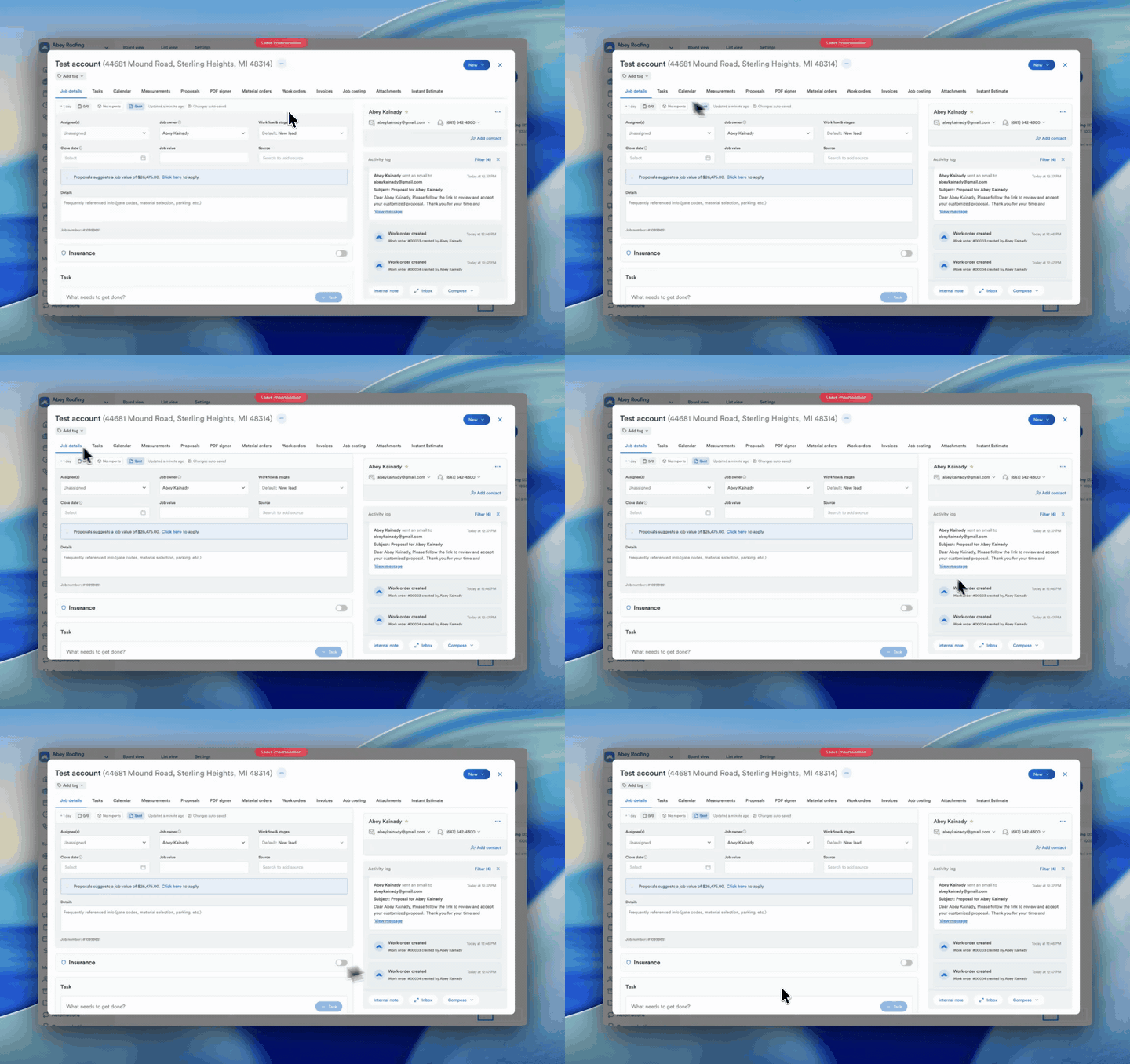
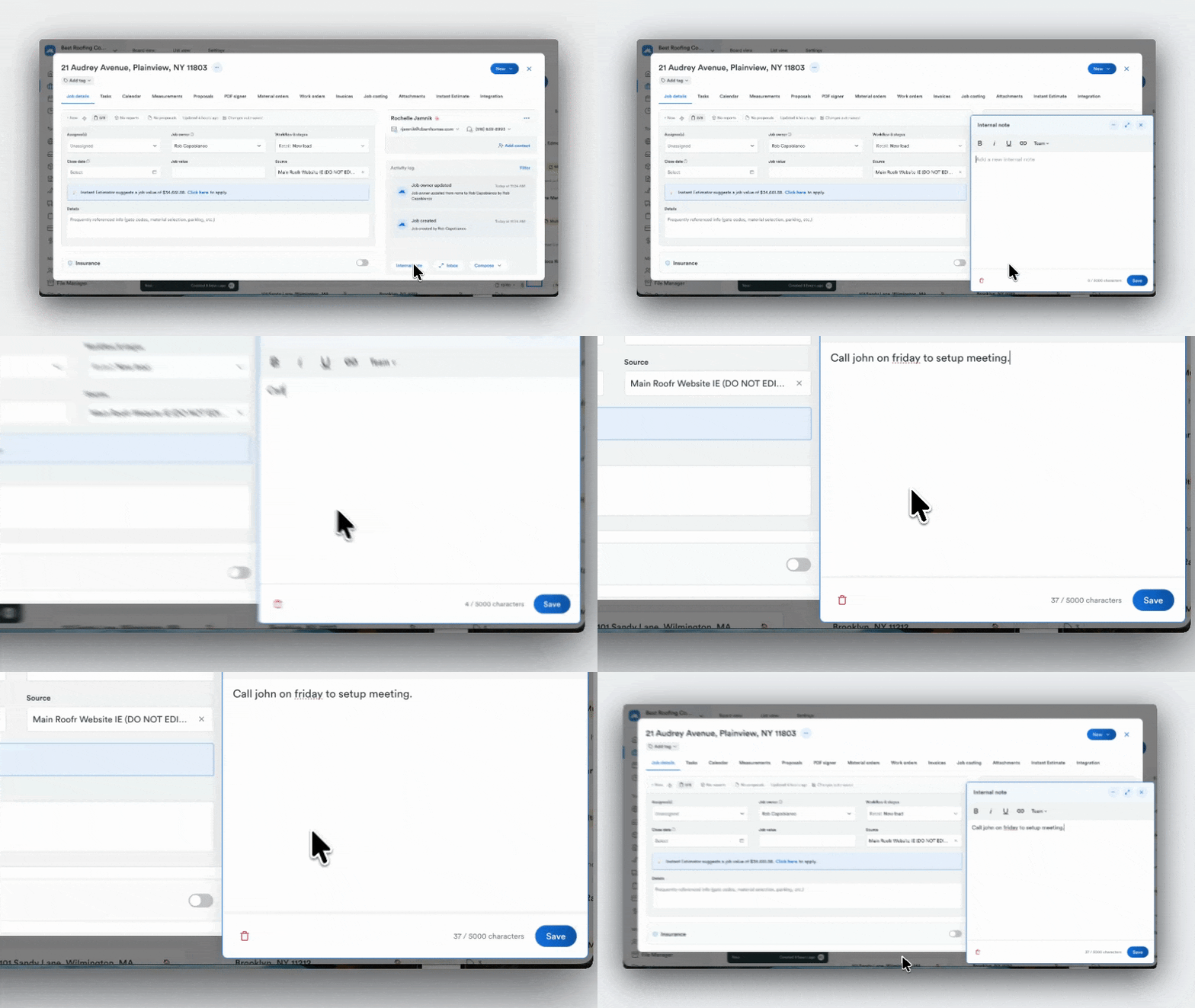
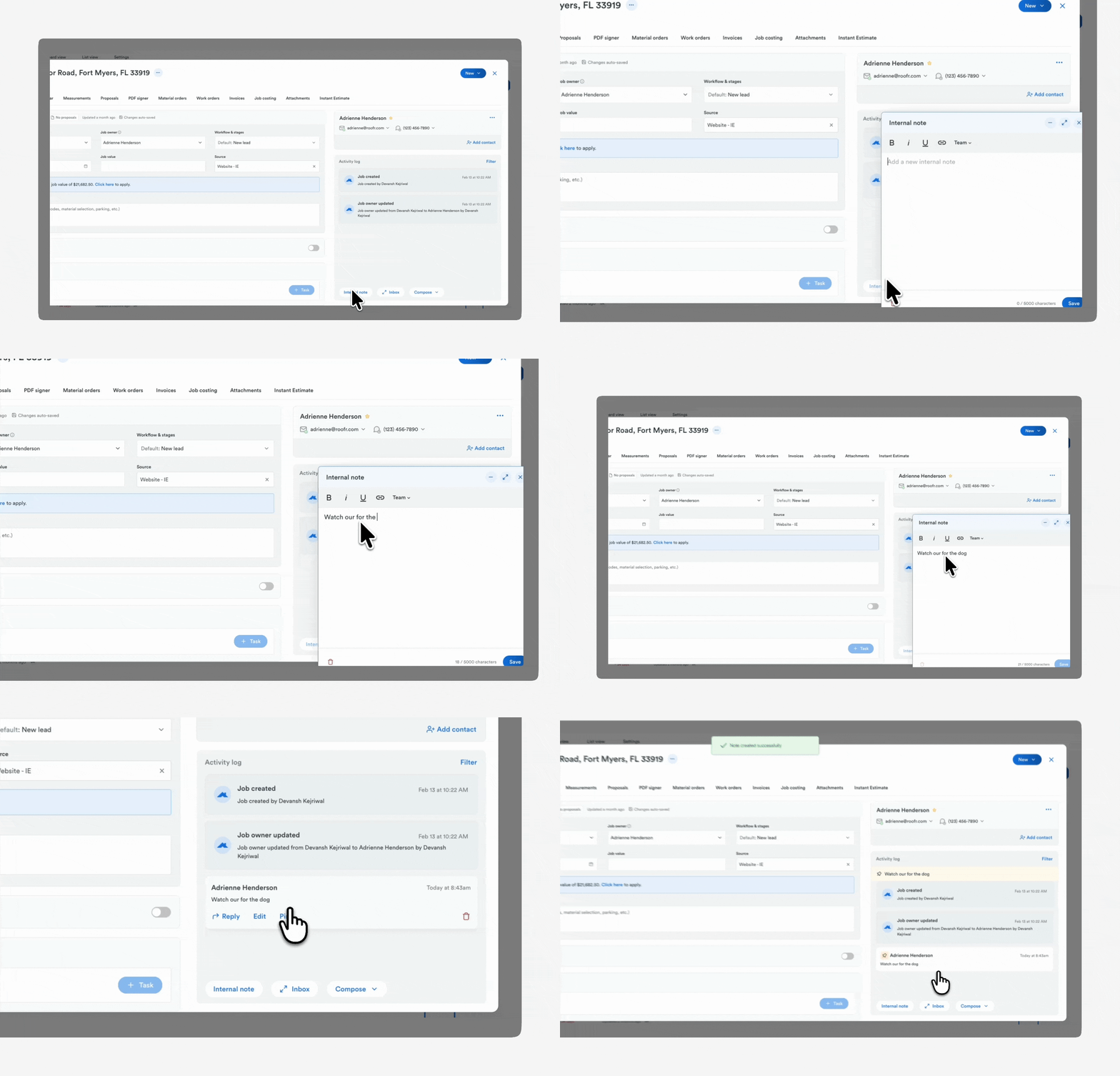
3.2 Pin internal notes in the Activity Log

Job Card
Improvement

Users can pin one internal note to the top of the Activity Log within a job to keep important information visible for their team. This helps teams quickly reference key notes when reviewing job activity. Available for all users.

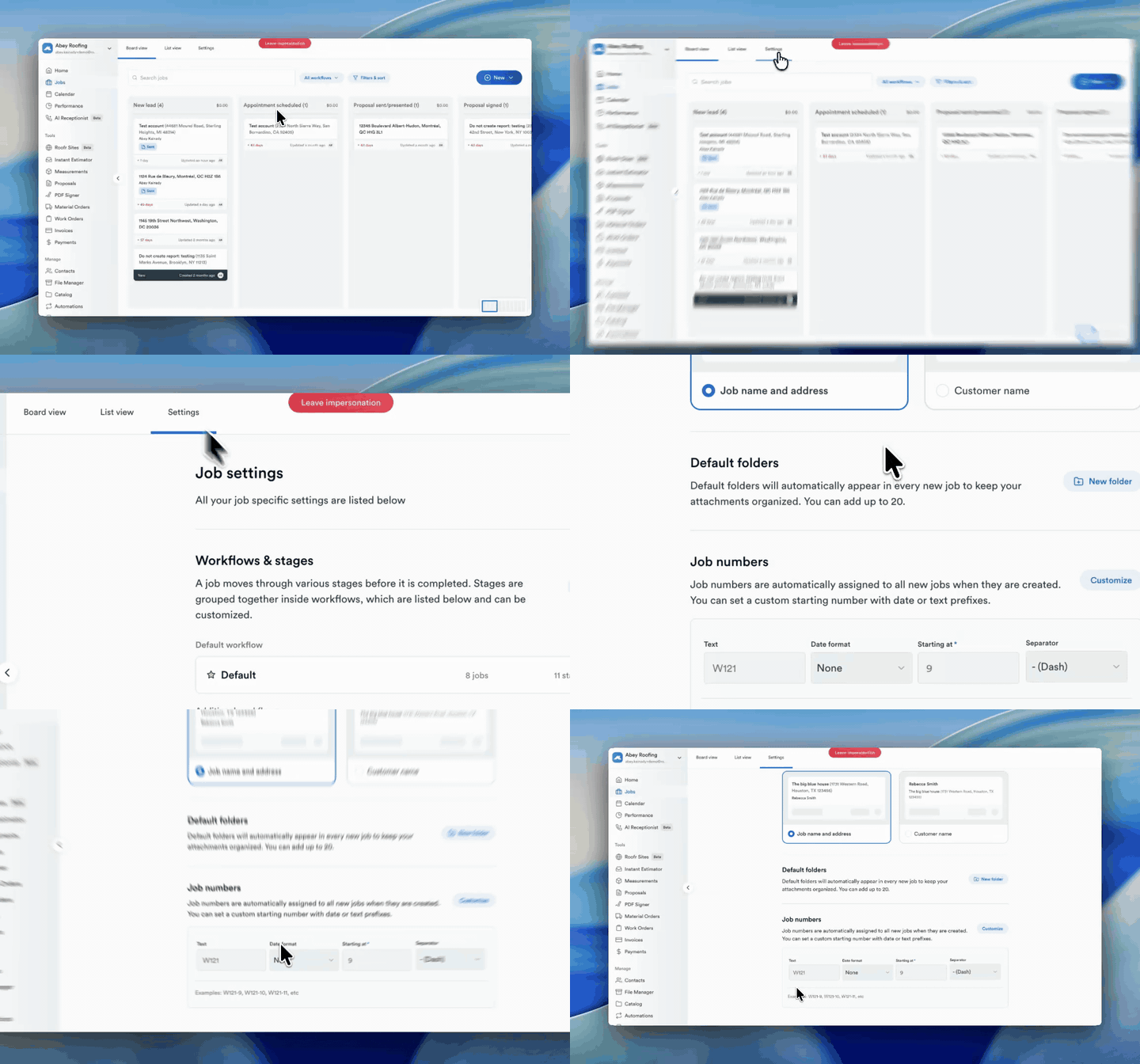
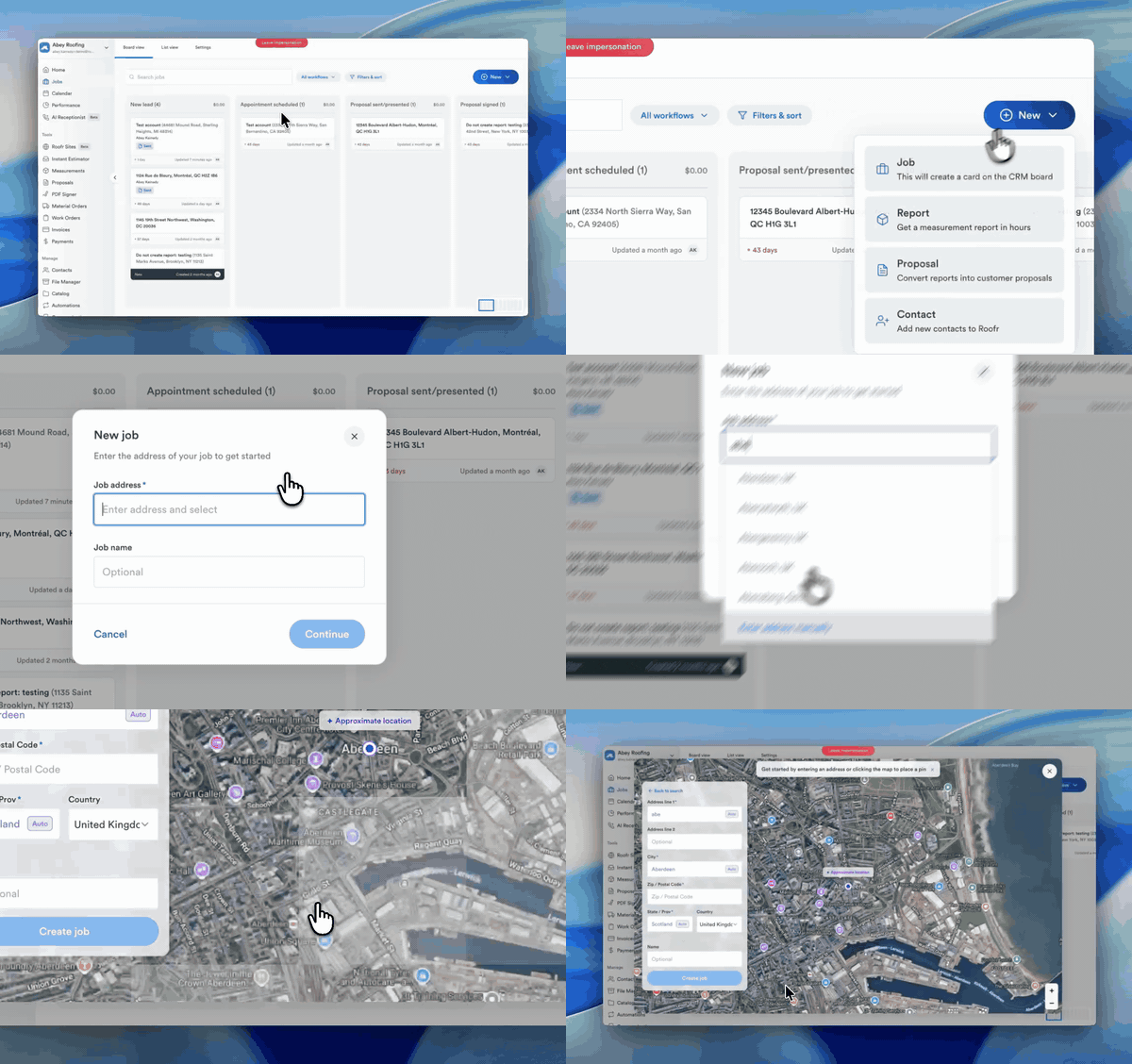
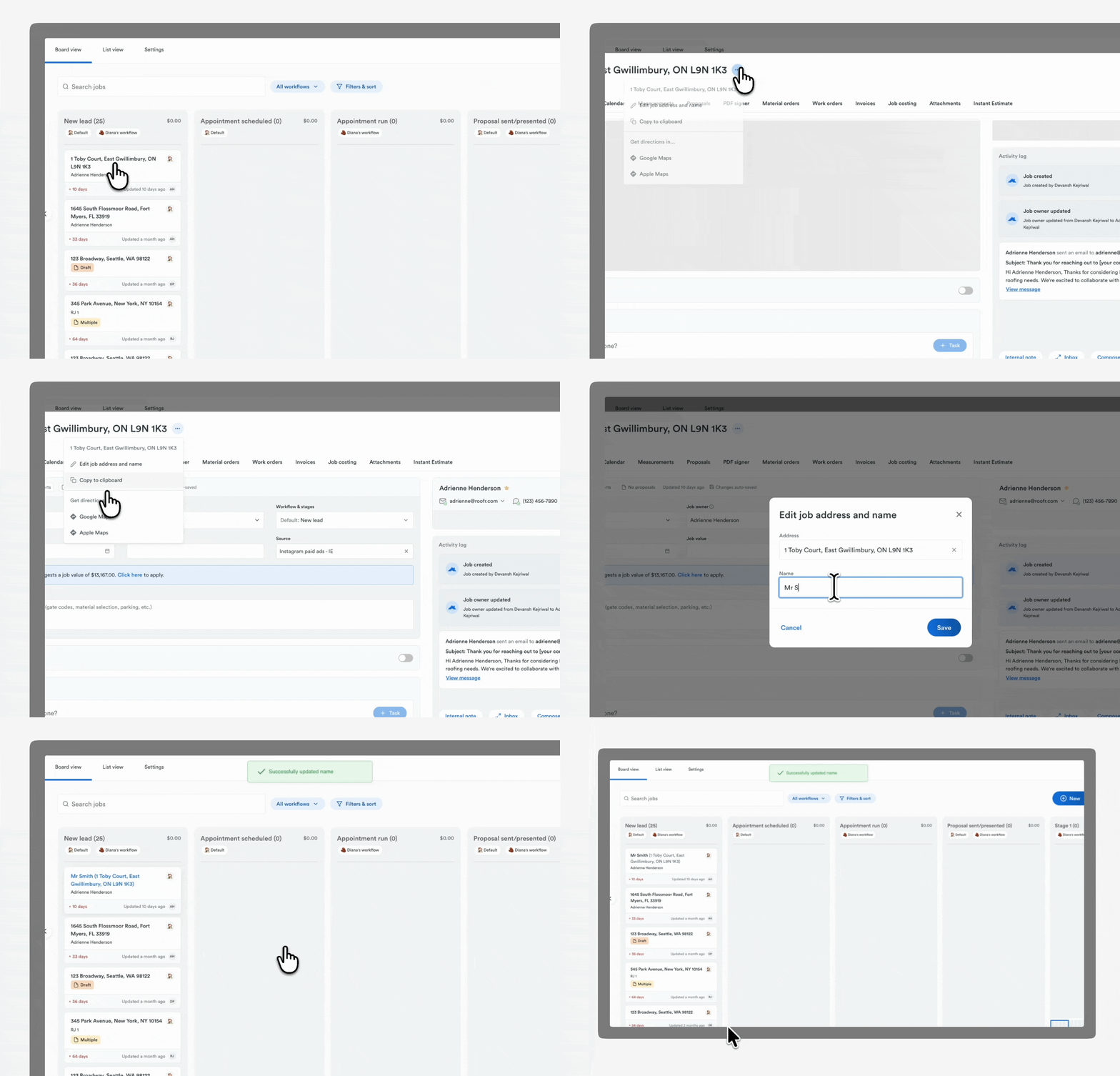
3.1 Custom job names

Job Card
New Feature

Users can add a custom Job Name to include additional details beyond the property address. This allows teams to use their own naming conventions, organize jobs more clearly, and manage projects such as new construction or multi-phase work. Available for all users.

March 17, 2026

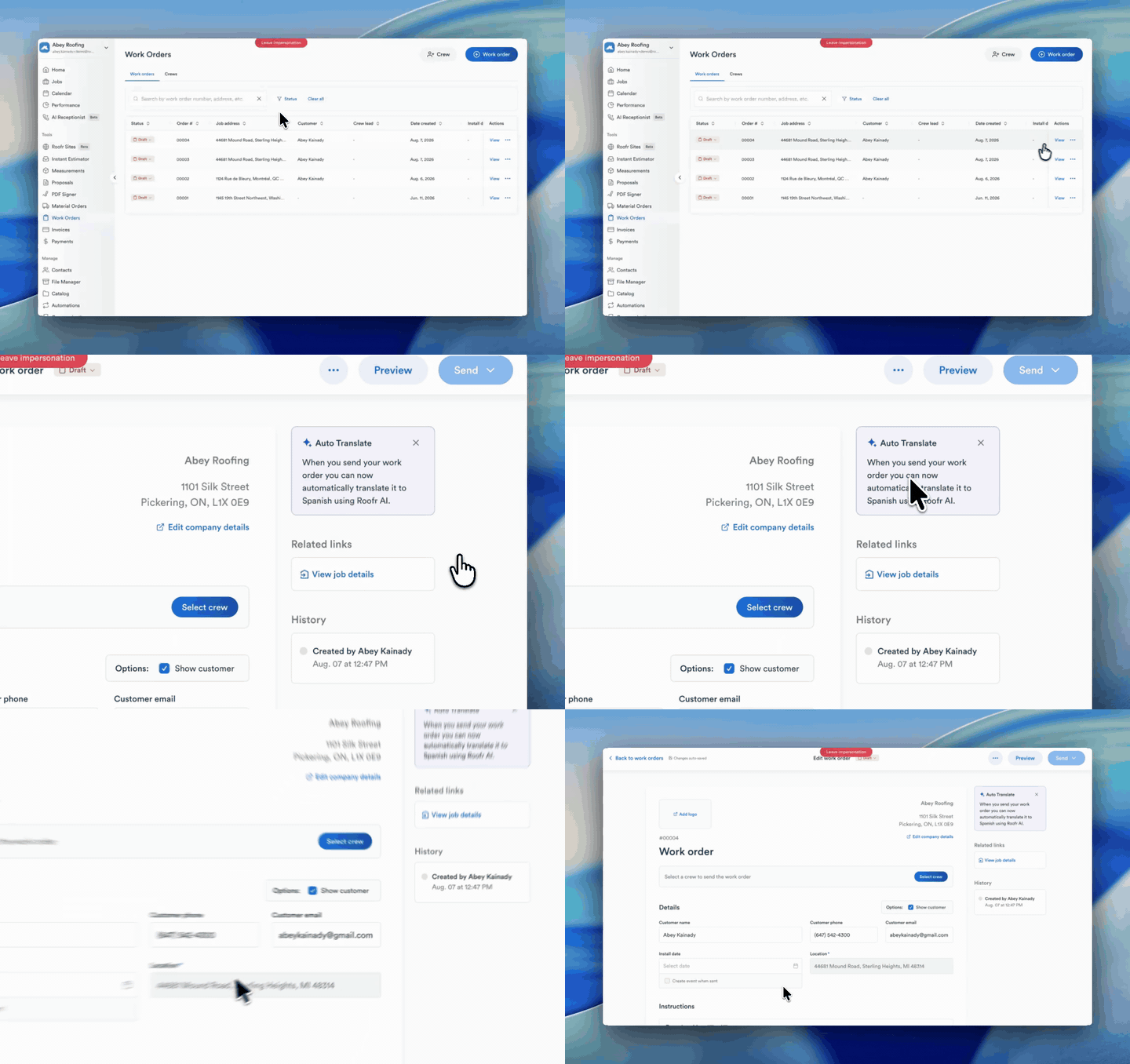
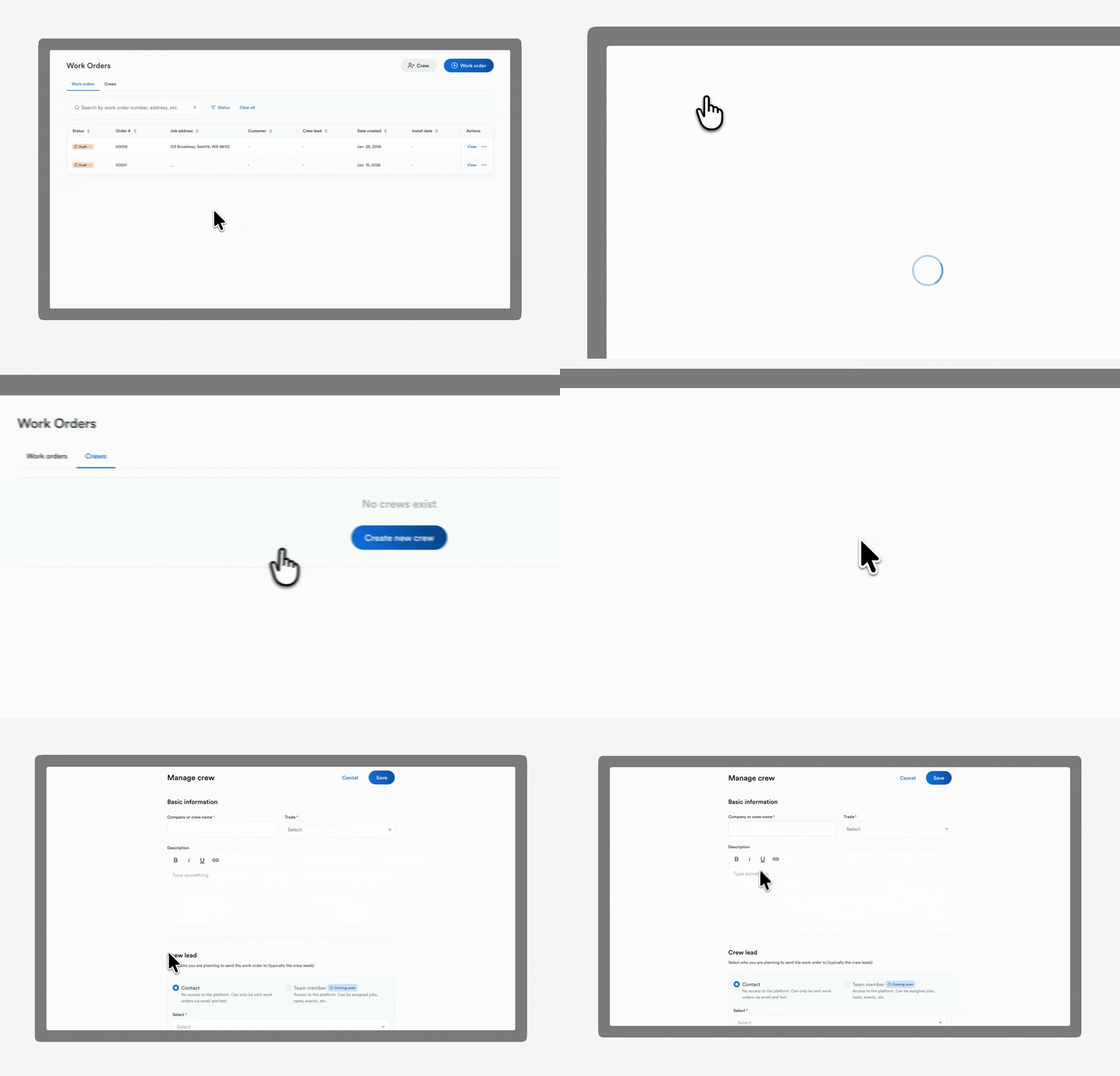
2.4 Crews for subcontractor management

Work Orders
New Feature

Users can store subcontractor details, assign crews to jobs, and send work orders to crews by email or SMS directly from Roofr. This helps keep crew assignments and job communication organized. Available for Elite plans. Learn more.

March 17, 2026

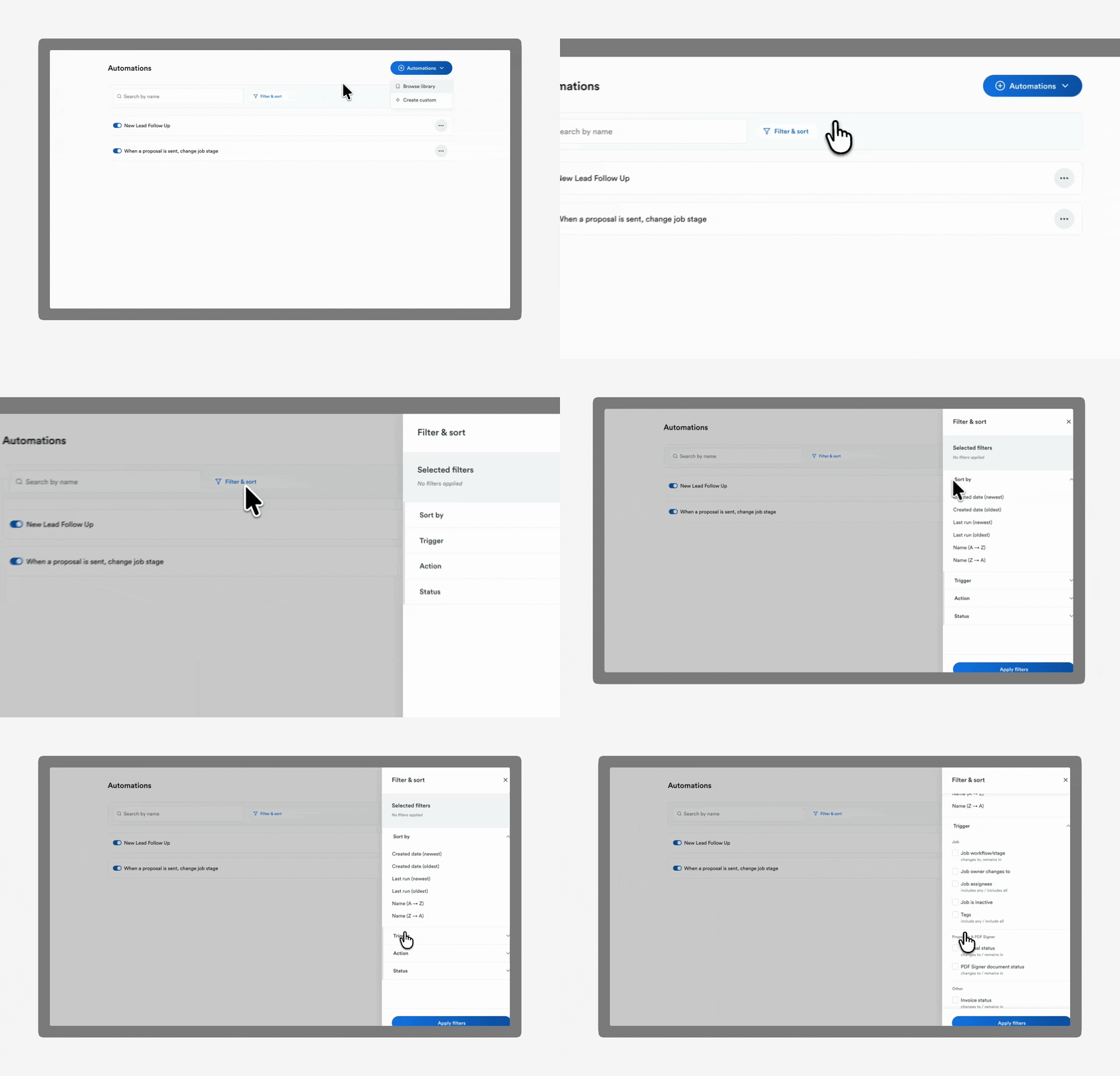
2.3 Filter and sort automations

Automations
Improvement

Search, filter, and sort automations by triggers and actions to easily organize and manage workflows as your automation list grows. Available for all users. Learn more.

March 17, 2026

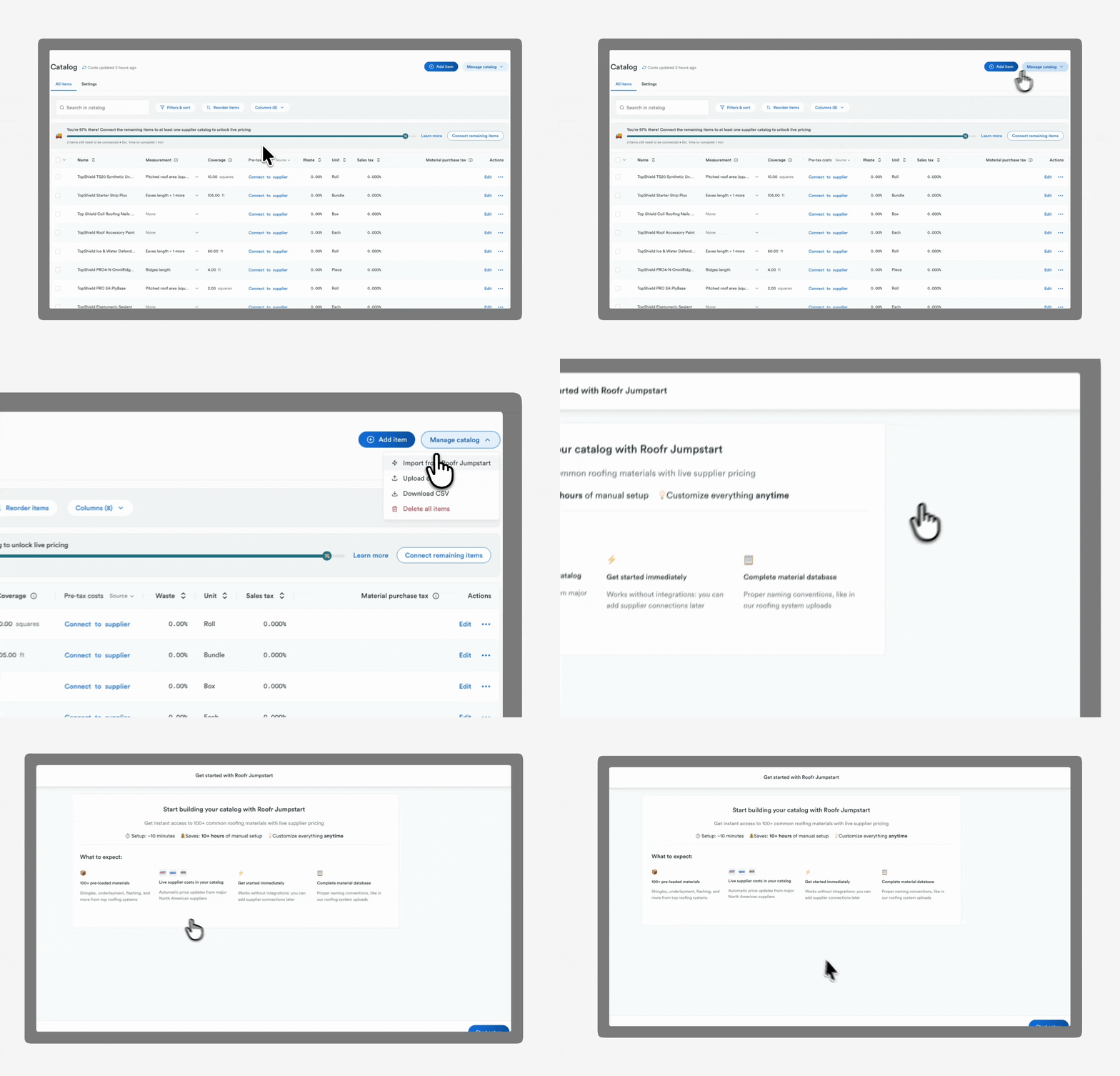
2.2 Populate your catalog instantly with Roofr Jumpstart

Catalog
New Feature

Automatically populate your catalog with a curated list of common roofing materials and supplier-specific pricing using Roofr Jumpstart. Available for all users. Learn more.

March 16, 2026

2.1 Roofr Mobile Experience (PWA)

Improvement
New Feature

Use the updated Roofr mobile experience to manage jobs, send proposals, and update job details directly from your phone- no app download required. Works like an app in your browser and stays automatically updated. Available for all users. Learn more.

January 29, 2026

1.6 Automatic update on material order status

Suppliers
New Feature

Users receive automatic status updates via email from integrated suppliers (ABC, QXO, and SRS) when placing material orders through Roofr, and status will update in Roofr. Available for Premium and Elite plans. Learn more.

January 29, 2026

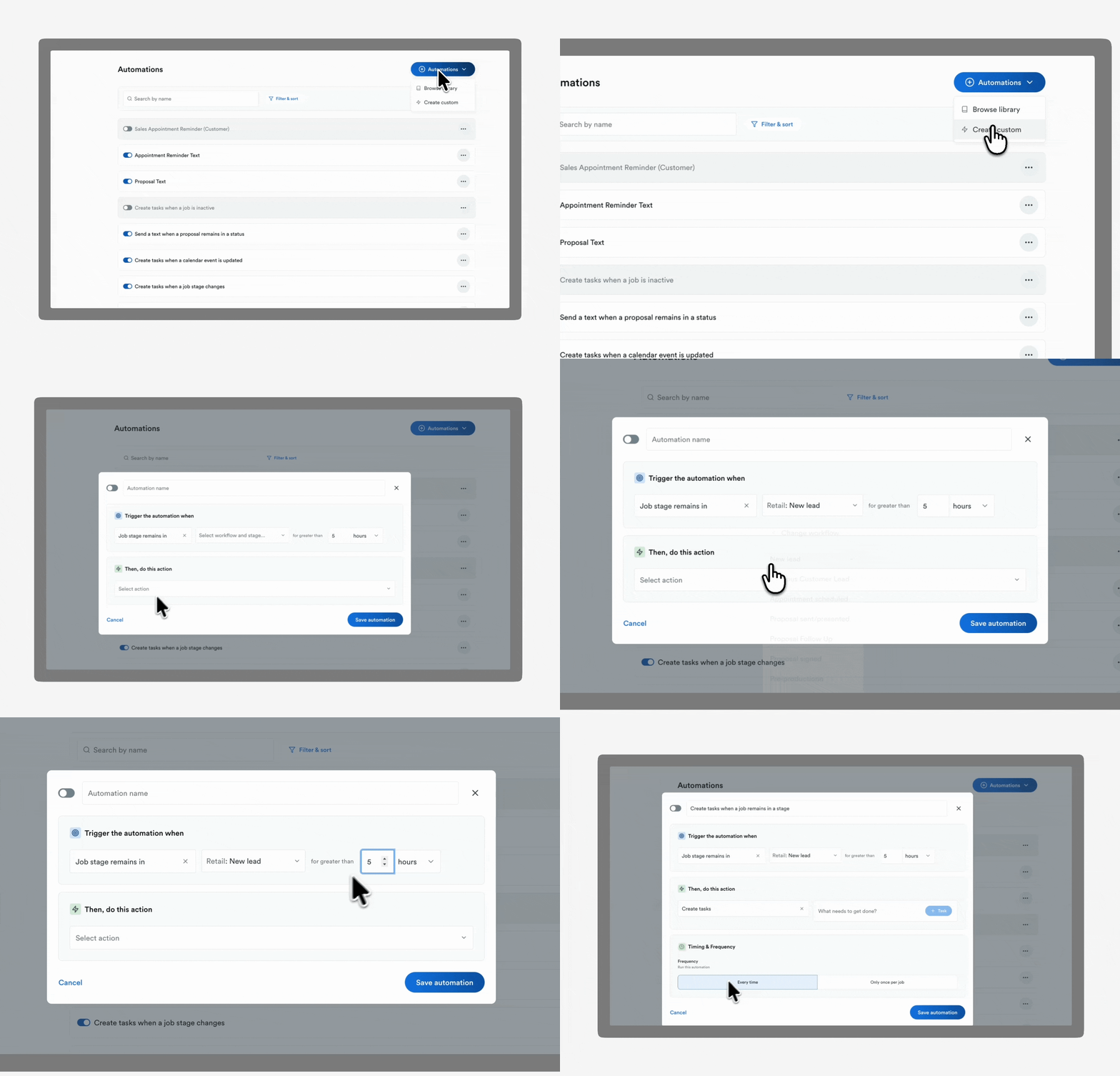
1.5 New automation rules

Automations
New Feature

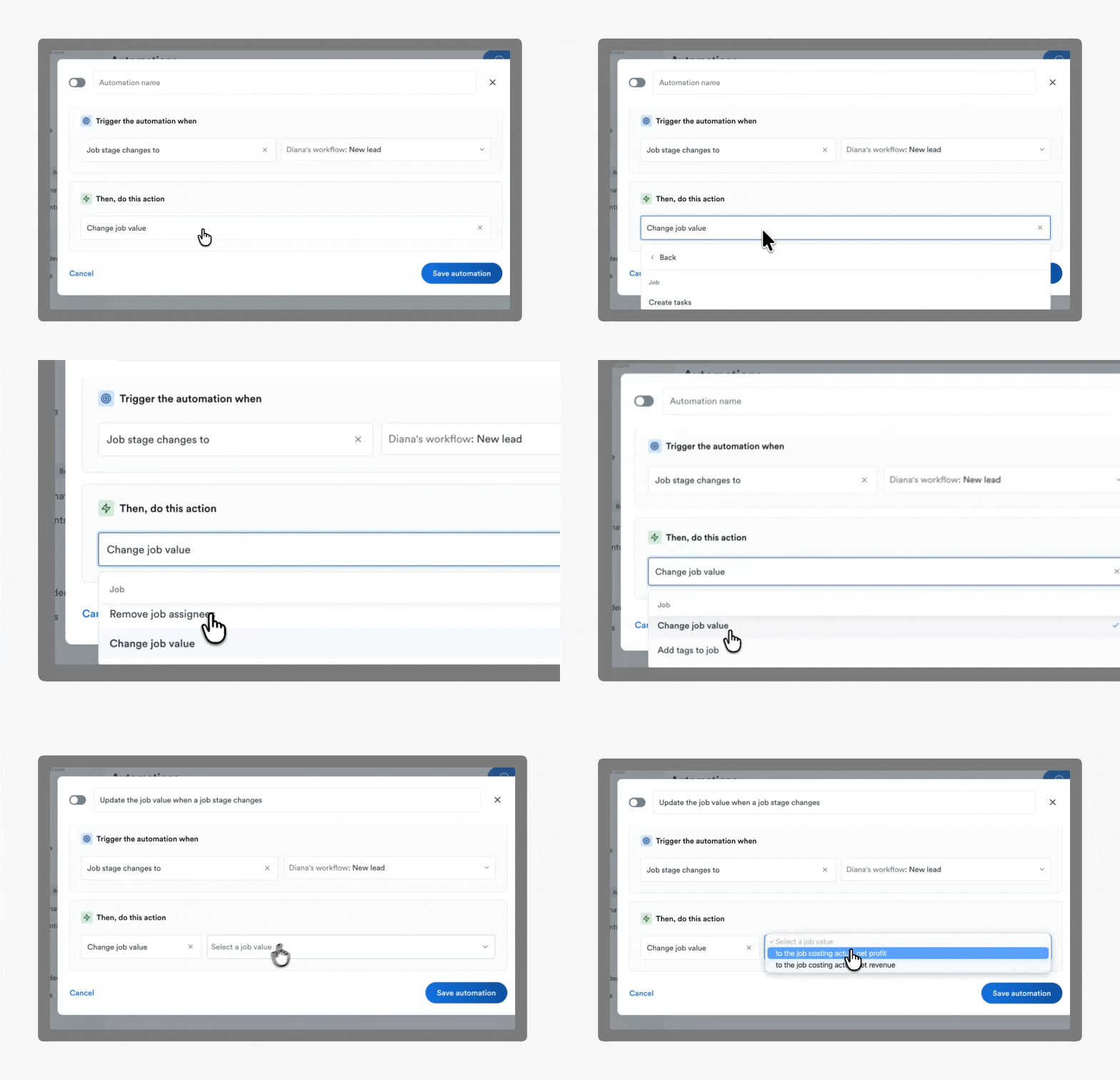
Users can create time-triggered automation rules to move jobs between workflows, send notifications when job stages change, and manage task due dates and overdue reminders. Available for all users. Learn more.

January 29, 2026

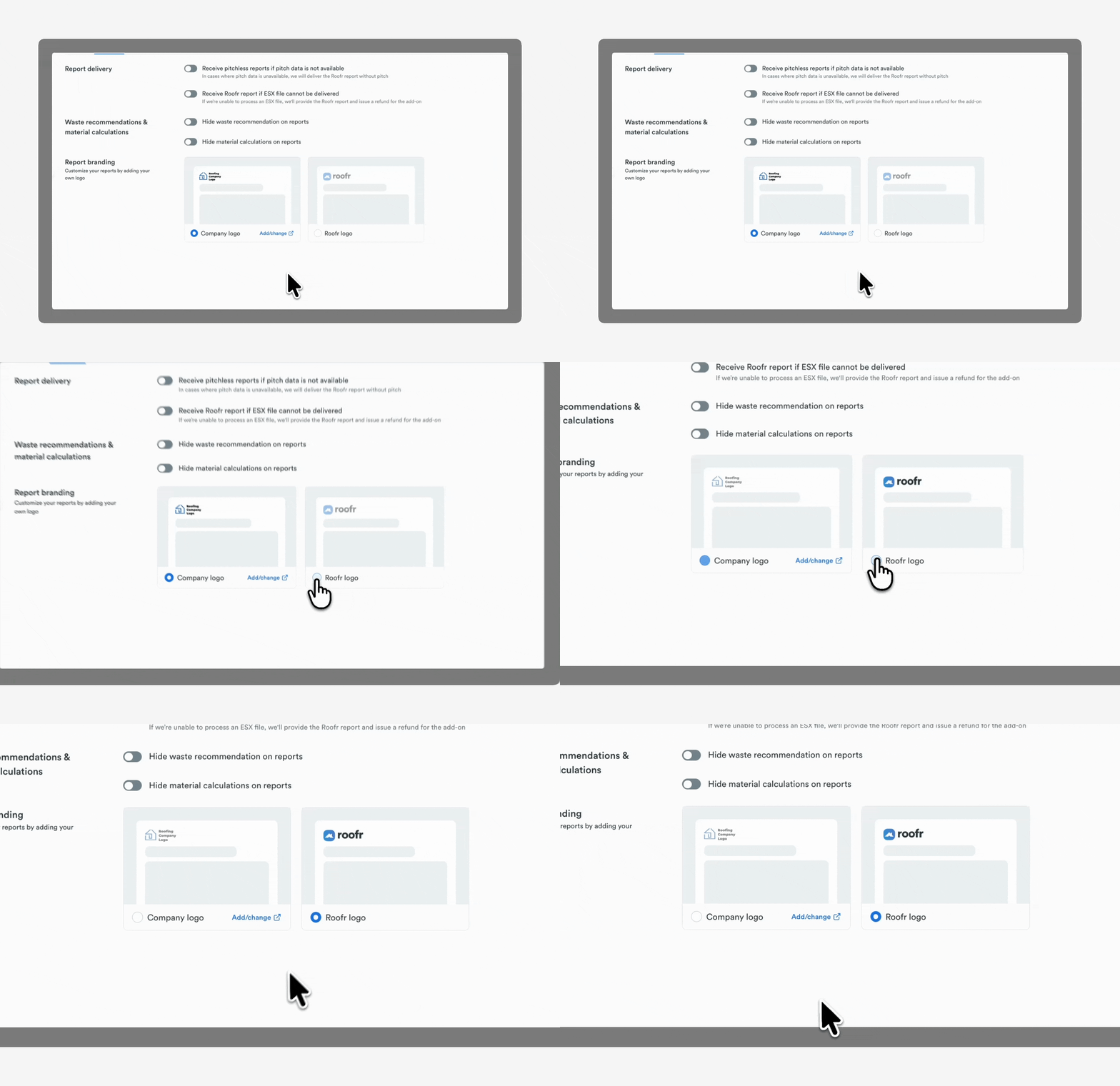
1.4 Branded measurement reports

Measurements

Users can automatically include their company logo on all generated measurement report PDFs. Available for all subscribed users. Update your settings.

January 29, 2026

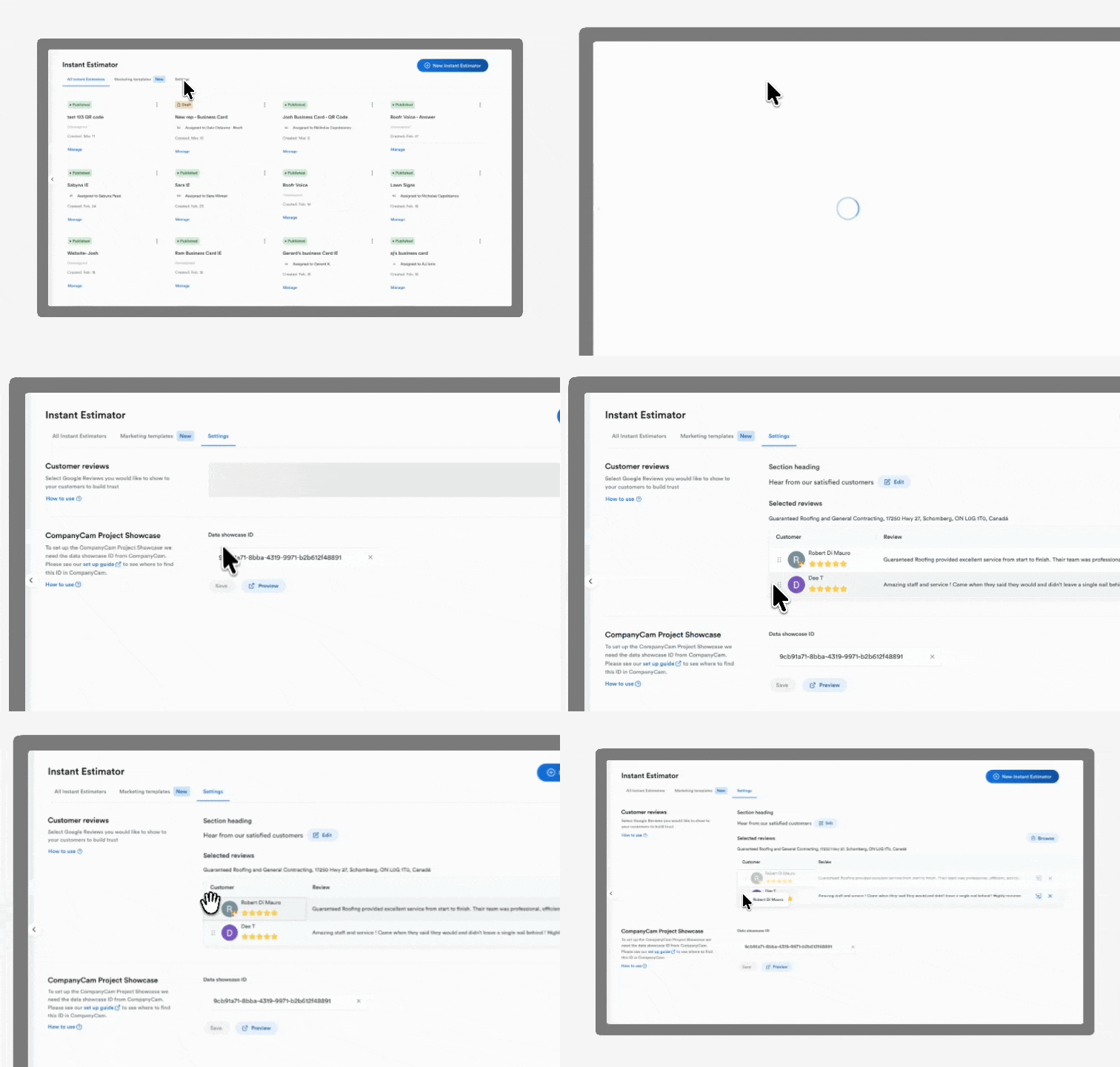
1.3 Google Reviews in Instant Estimator

New Feature

Users can display selected Google Reviews directly on the Instant Estimator results page, allowing homeowners to see verified reviews while viewing their estimate. Available for Elite subscribers. Learn more.

January 29, 2026

1.2 Work Orders 2.0

Improvement
Work Orders

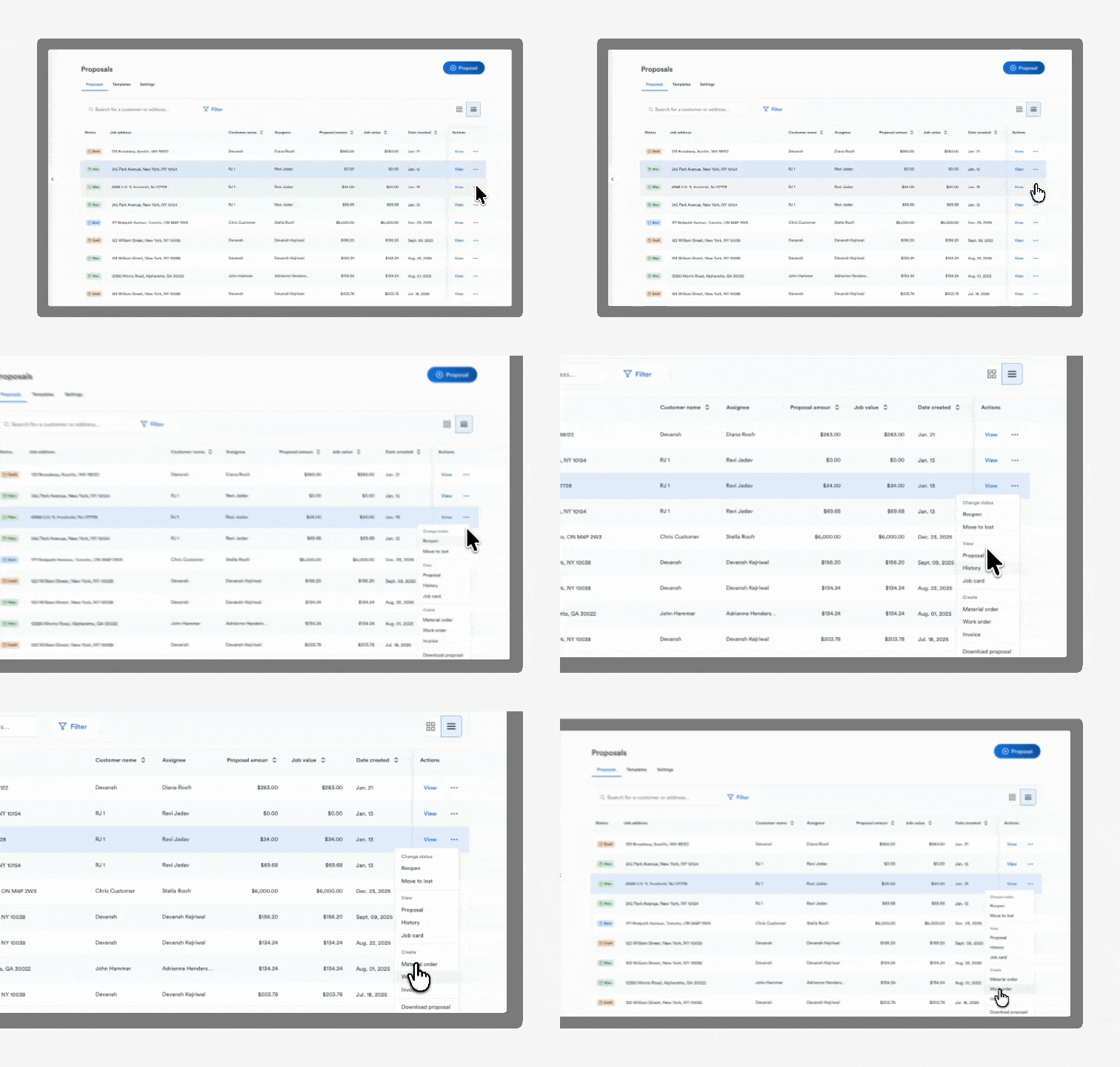
Users can automatically create work orders from signed proposals. Work orders can be assigned to subcontractor crews, create instruction templates, and sent to recipients via email or SMS. Users can also attach measurment reports in work orders. Available for Premium and Elite plans. Learn More.

January 29, 2026

January 29th, 2026

New Feature

New

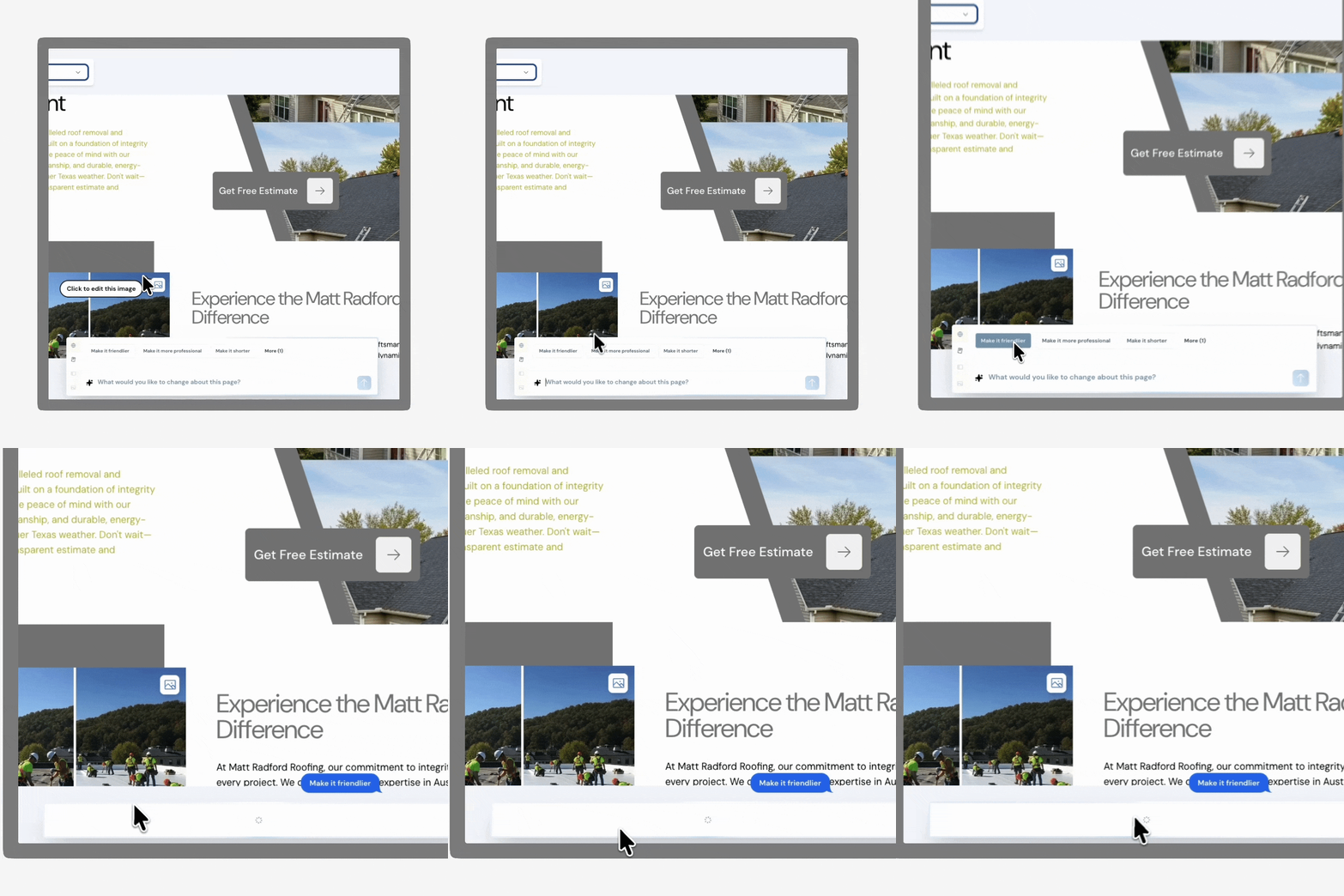
1.1 Roofr Sites (Beta) Users can generate and publish a branded business website directly from Roofr, including service pages, contact forms, and AI-generated content suggestions. Learn more

1.2 Work Orders 2.0 Users can automatically create work orders from signed proposals, assign subcontractor crews, use templates, and send work orders via email or SMS. Learn more

1.3 Instant Estimator Users can display selected Google Reviews directly on the Instant Estimator results page so homeowners see reviews while viewing their estimate. Learn more

1.4 CRM Automations Users can create time-triggered automation rules to move jobs between workflows, send notifications on stage changes, and manage task due dates and overdue reminders. Learn more

Improvements

1.5 Measurements Users can automatically include their company logo on all measurement report PDFs. Learn more

1.6 Suppliers Users receive automatic material order status updates from integrated suppliers (ABC, QXO, and SRS). Learn more

November 1, 2025

Find and filter jobs quicker with job tags

New Feature

Keep your jobs tagged and tidy. Tag, filter, and organize projects to keep every detail easy to locate and manage right inside Roofr.

Available for: All users

Learn how to keep your jobs organized.

November 1, 2025

Get automatic updates on your ABC Supply material orders

New Feature

Stay up to date on your ABC Supply orders with automatic email updates when your order is completed.

Available for: All users

Learn more about tracking orders with ABC Supply

October 1, 2025

Track key job metrics with the new job reporting dashboard

New Feature

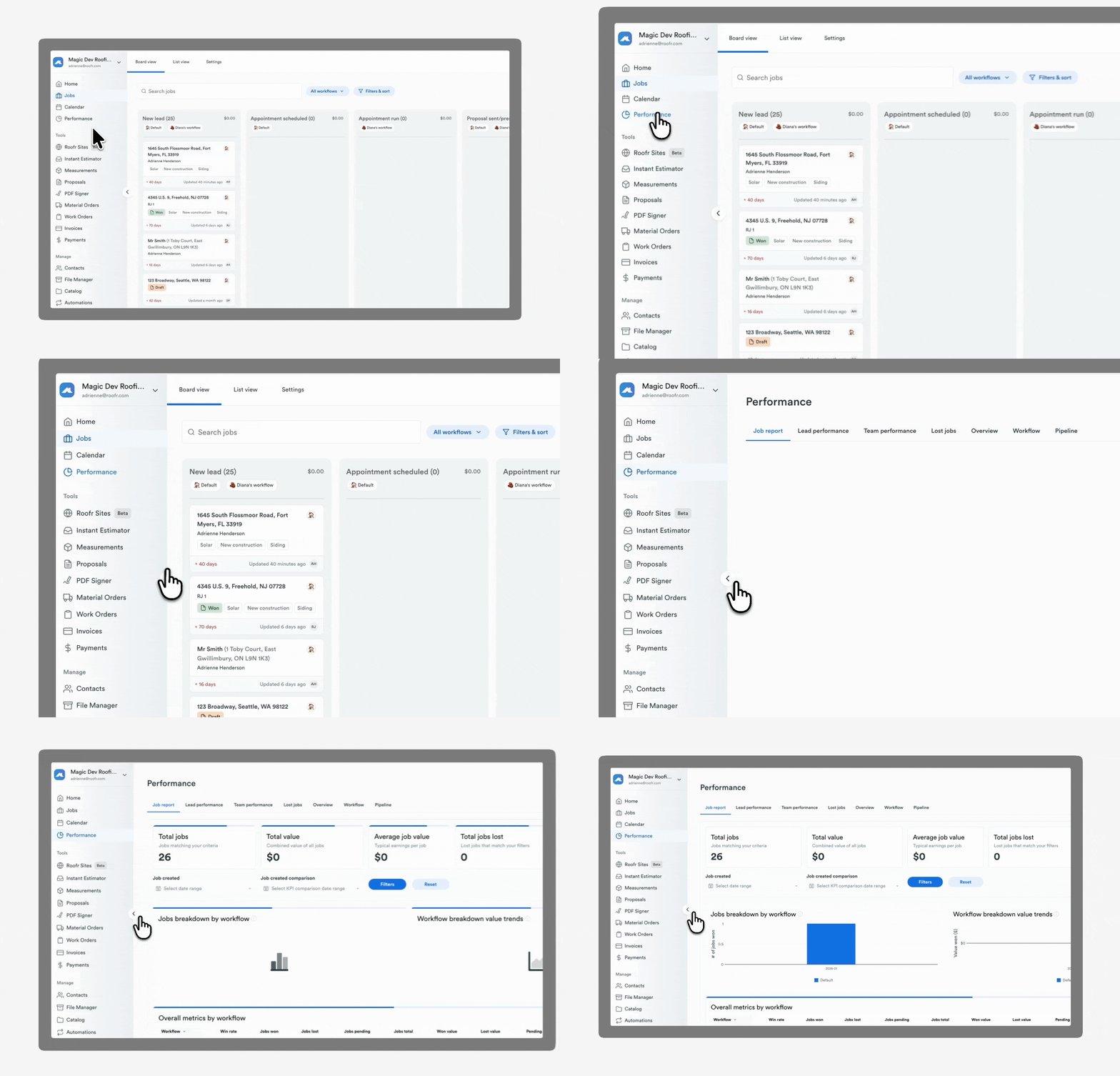
The new job reporting dashboard lets you filter jobs by any detail, create custom reports, and export them for deeper analysis.
October 1, 2025

Early access: Order Roofr ESX reports that upload directly into Xactimate

New Feature

Measurement reports however you need them. Now in Beta, Roofr measurement reports in ESX format and upload them directly into Xactimate. Now in Beta.

No release notes match your current filters or search.