Keep a Close Eye on your Funds
- When using Roofr Payments you can now see more details on the status of your funds by with the Batches & Funding report.
- Reports are found in the Payments dashboard for active Roofr Payments users.
👉 Learn more about your Payment Reporting.
Get paid faster with Adjustable Invoices
- Job changed? Stay flexible and adjust your invoice to match your most-updated total
- Automatically convert a proposal with an adjusted total, and stay confident that your invoice will match.
👉 Learn how to create and edit your invoices.
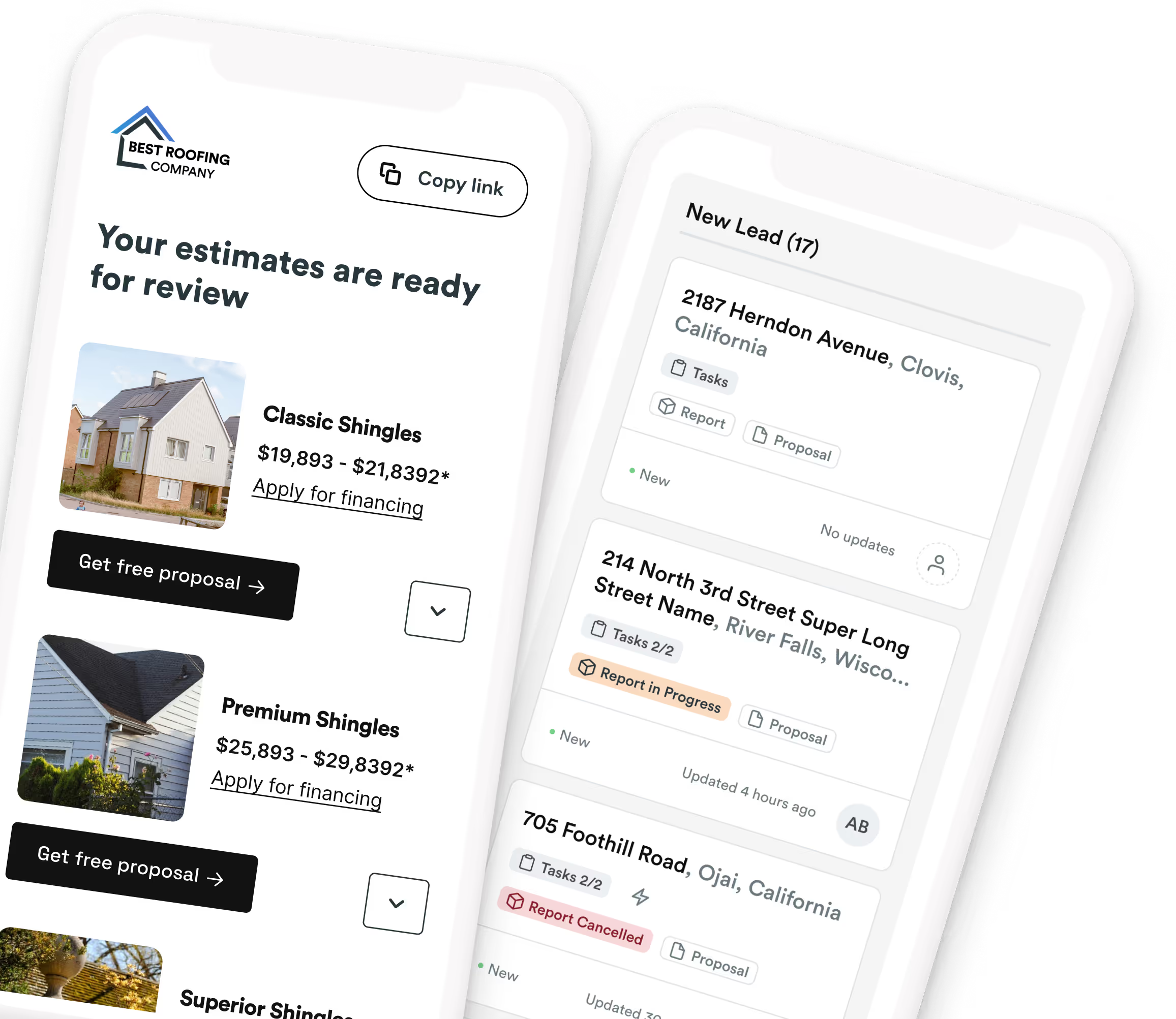
Track your leads with multiple duplicate Instant Estimators
Ever wished you could track your leads more efficiently? Now you can! With our enhanced Instant Estimator, you can:
- Quickly duplicate an existing estimator, including financing details, profile info, and pricing specifics.
- Track exactly where your leads are coming from and which ones turn into signed proposals.
👉 Learn more about setting up your Instant Estimator
Sweeten every deal with Discounts
It's here! Now you can offer discounts on your proposals, so homeowners can clearly see the discounts you're applying.
- Add customized discounts to each estimate option, and show your customer how much they’re saving. They're happy. You're happy. We're happy.
👉 Learn how to add a discount to your proposals.
Booked & busy: Roofr Calendar View 📅
Our new Calendar View is here to make managing your jobs and team easier than ever.
- Keep track of job progress and team schedules, all within Roofr.
- Link job cards to calendar events, so you always have a clear picture of what’s happening.
- Automate calendar events to keep your team on track and your customers in the loop.
👉 Learn how to set up and use your Calendar View